Rebalancing the Load
Unduh
Mode fokus
Ukuran font
After database proxy activation, if your business has a large number of persistent connections or you add database proxy nodes, load imbalance may occur on the new nodes. You can redistribute connections by rebalancing loads. This document describes how to manually rebalance loads in the console.
Note:
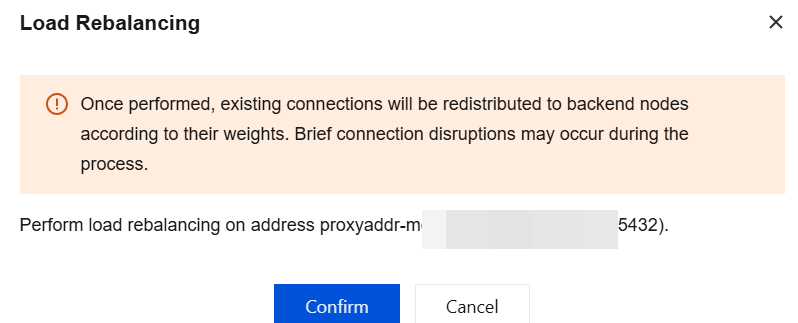
Rebalancing loads may cause brief connection jitter. We recommend that you perform this operation during off-peak hours and ensure that your business has a reconnection mechanism in place.
Prerequisites
Database proxy has been enabled.
Operation Steps
1. Log in to the TencentDB for PostgreSQL console.
2. Locate the target instance in the instance list, click the Instance ID, and go to the instance management page.
3. On the instance management page, select the Database Proxy tab.
4. On the Overview tab of the Database Proxy page, click Reconfigure Load Balancing in the operation column of Connection Address.

5. In the pop-up dialog box, click Confirm.
Bantuan dan Dukungan
Apakah halaman ini membantu?
Anda juga dapat Menghubungi Penjualan atau Mengirimkan Tiket untuk meminta bantuan.
masukan