Viewing Log Details
Unduh
Mode fokus
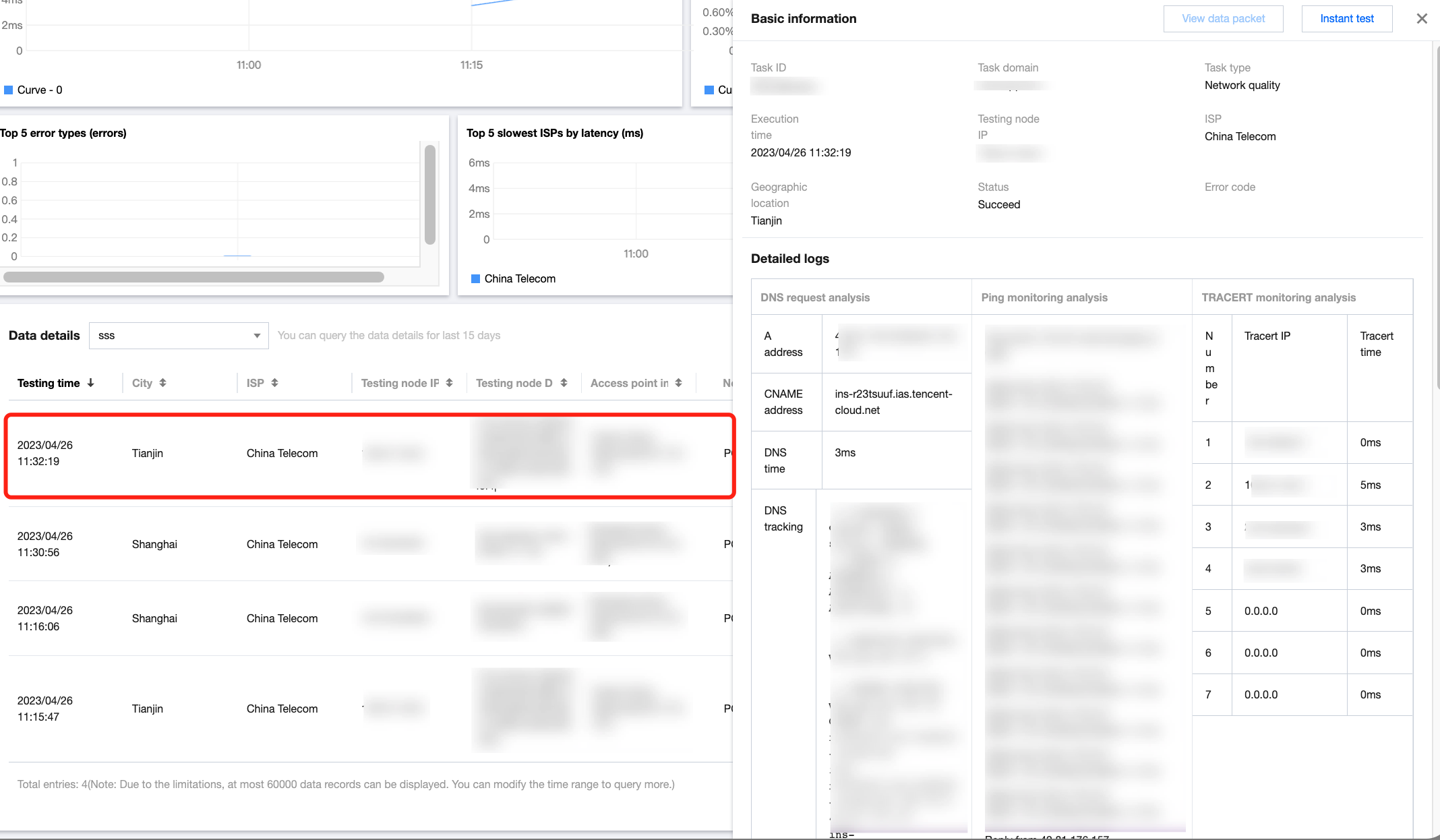
Ukuran font
This document describes how to view the detailed log data of a test task.
Directions
1. Log in to the CAT console.
2. Click Test Statistics on the left sidebar and select a test task.
3. Scroll down to the detailed data list and click any column to view the log data of the test task.
Bantuan dan Dukungan
Apakah halaman ini membantu?
Anda juga dapat Menghubungi Penjualan atau Mengirimkan Tiket untuk meminta bantuan.
masukan