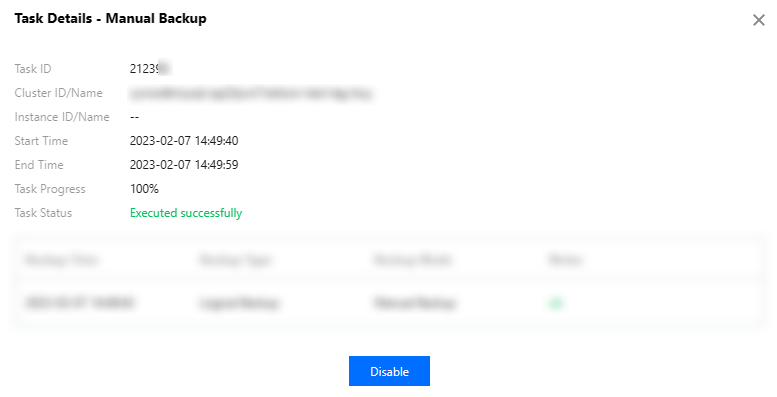
This document describes how to view the details and progress of an audit task in the console, such as enabling/disabling/modifying the audit service and modifying the audit rule.
Task type
In the task list, you can view the following types of audit tasks: enabling/disabling/modifying the database audit service, modifying the audit rule, and modifying/deleting an audit rule template.
4. Directly find or search for the target audit task by keyword to view its details.
Searching by keyword
In the task list, you can search for the target task by task ID, cluster ID, instance ID, cluster name, and instance name. Separate multiple keywords by vertical bar "|" and separate filter tags by carriage return.
Downloading the task data
Click the
icon next to the search box to download the data on the current page or under the current search criteria.
Viewing task details
In the task list, find the target audit task and click Task Details in the Operation column.