This document describes how to manage images in the VOD console.
Directions
1. Log in to the VOD console and select Media Assets > Image Management. The "Uploaded" page is displayed.
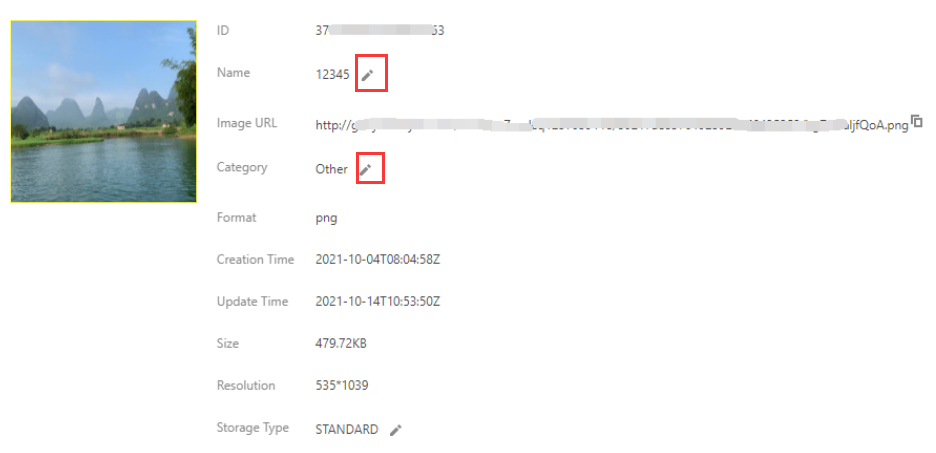
2. Click Manage in the "Operation" column of the target image to enter the corresponding management page, where you can view the details of the image, rename it, and edit its category.