For the sake of compression performance and ratio, backup files and log files (binlog files) of TencentDB for MariaDB are compressed with LZ4 (Extremely Fast Compression Algorithm). You can use LZ4 for decompression. This document describes how to use this tool.
Windows
Installing LZ4
Download LZ4 and install it by following the installation wizard.
Decompressing files
Right click the LZ4 file to be decompressed and select Decode with LZ4.
Linux
Installing LZ4
There is an LZ4 component in the yum repository of CVM. Log in to your CVM instance and run the following command to install it.
$ yum install lz4
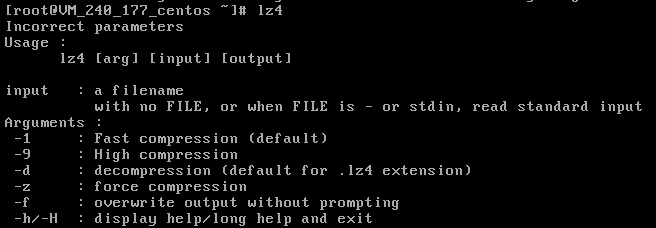
The installation is successful if the result is returned as shown below after you execute lz4.
Decompressing files
Execute the following command to decompress a file.
$ lz4 -d xxx.lz4