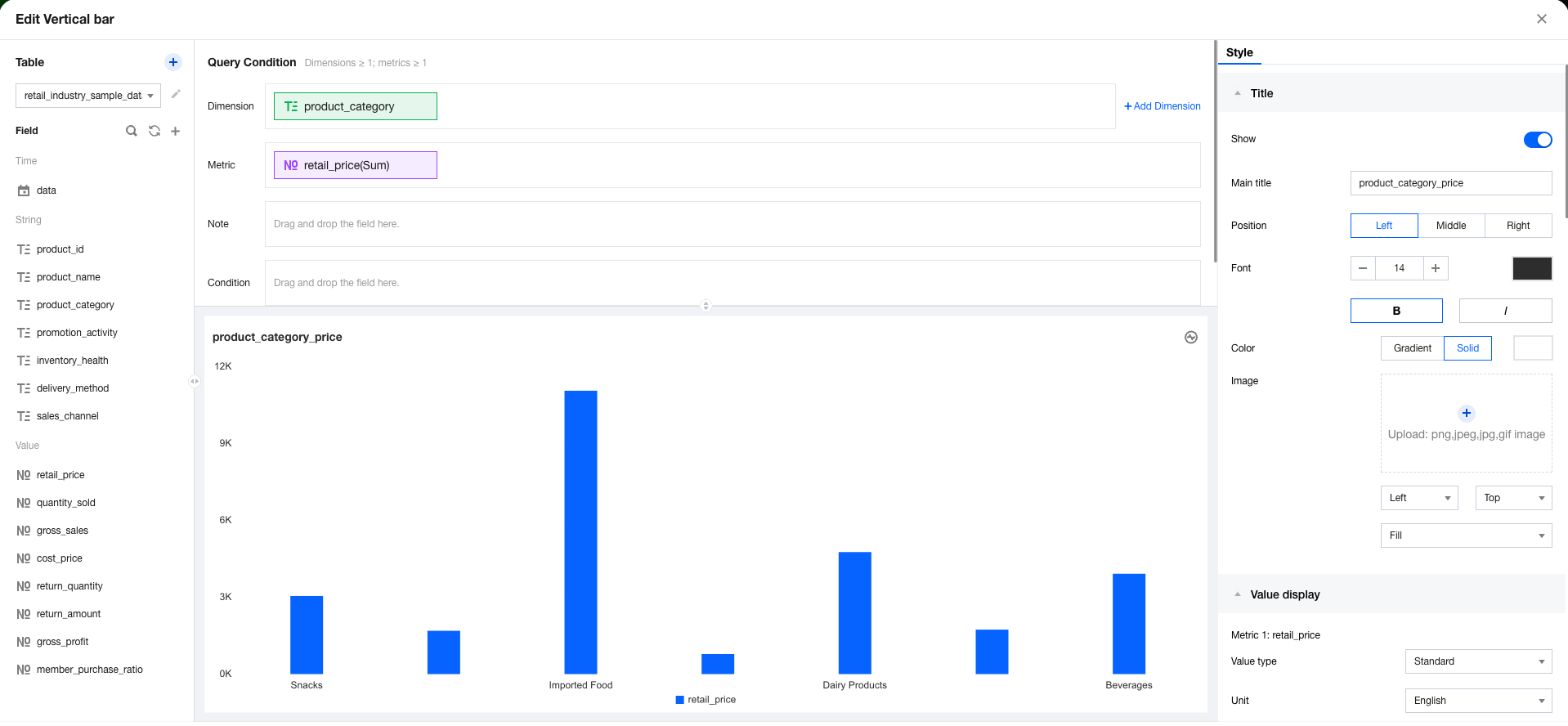
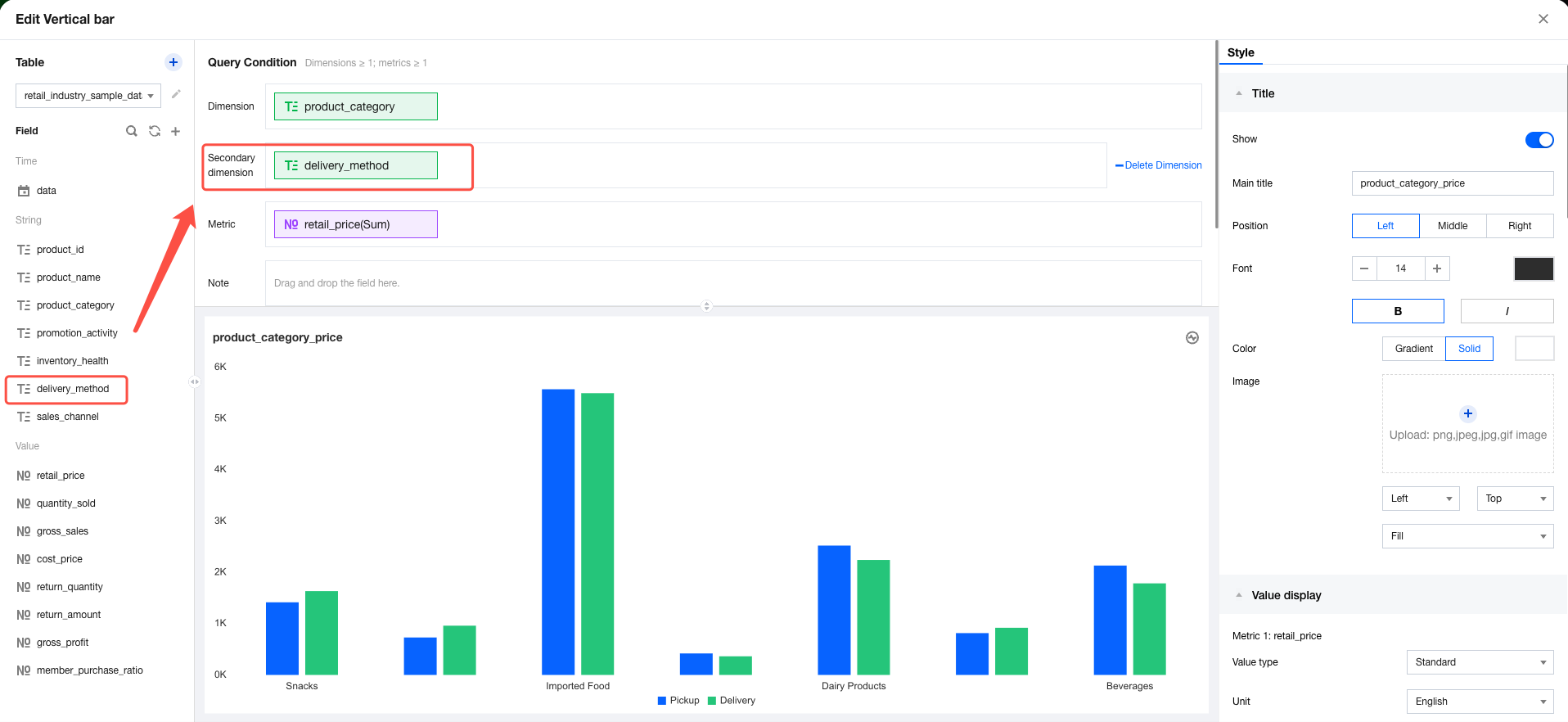
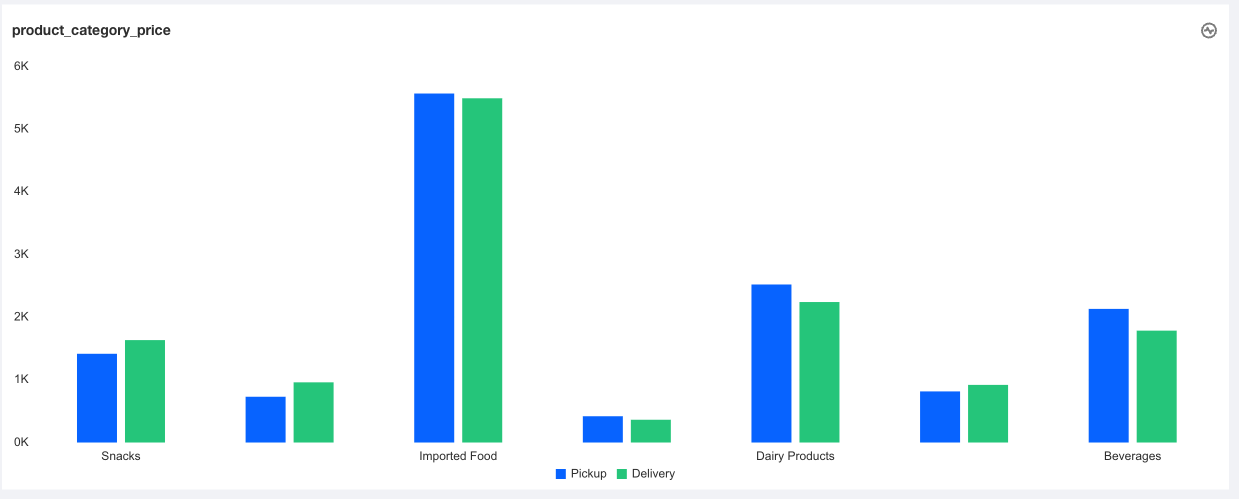
In data analysis scenarios, you may need to group dimensions. For example, if two analysis dimensions are selected, you may want the chart to display sub-dimensions under the same dimension as a group to help understand the numeric value performance of different sub-dimensions within a dimension. To achieve the dimension grouping, you will need to use the dimension sub-axis feature. Specific operations are as follows:
1. Go to the chart editing page and add a dimension sub-axis.
2. Drag and drop the dimension sub-axis field to be displayed into the "dimension sub-axis" box.
3. Click Analyze to view the sub-axis effect.
4. Delete the sub-axis: Click delete dimension on the right of the dimension sub-axis to delete the dimension sub-axis settings.
Note
The sub-axis feature is only supported for trend and comparison charts (such as line and column charts). Distribution and relationship charts (such as pie charts and word clouds) are not supported.