tencent cloud

Performance Testing Service

Overview
Purchase Guide
Billing Overview
Pay-as-You-Go (postpaid)
Purchasing Channels
Payment Overdue
Refund Instructions
Quick Start
Operation Guide
Performance Testing in Simple Mode
Performance Testing in Script Mode
Performance Testing in JMeter Mode
Project Management
Scenario Management
Traffic Recording
Environment Management
Scheduled Performance Testing
Performance Testing Report
Access Control
Alarm Management
Tag Management
Error Code Manual
Practice Tutorial
Using Prometheus To Monitor Performance Testing Metrics
Using PTS to Playback Requests Recorded by GoReplay
API Documentation
History
Introduction
API Category
Making API Requests
PTS-related APIs
Data Types
Error Codes
JavaScript API List
Overview of JavaScript API List
pts/global
pts/http
pts
pts/dataset
pts/grpc
pts/jsonpath
pts/protobuf
pts/redis
pts/sql
pts/url
pts/util
pts/ws
pts/socketio
pts/socket
FAQs
Related Agreements
Service Level Agreement
Use Limits
Privacy Policy
Data Processing And Security Agreement

Billing Overview

PDF
Focus Mode
Font Size
Last updated: 2025-11-24 16:30:12
The billing mode for Performance Testing Service (PTS) is pay-as-you-go (postpaid).
Note:
VUM is the unit of measurement for performance testing resource consumption. VUM = VU (maximum concurrency) × Number of minutes, which represents the concurrent running duration. For example, 1000 VUM = 1000 concurrent users running for 1 minute, which is also equivalent to 500 concurrent users running for 2 minutes, and so forth.

Billing Mode

Billing Mode
Payment Method
Reference Documentation
Pay-as-you-go
Resources are purchased as per your needs. During settlement calculation, the fees are charged based on the actual usage of the resources.

Free Quota

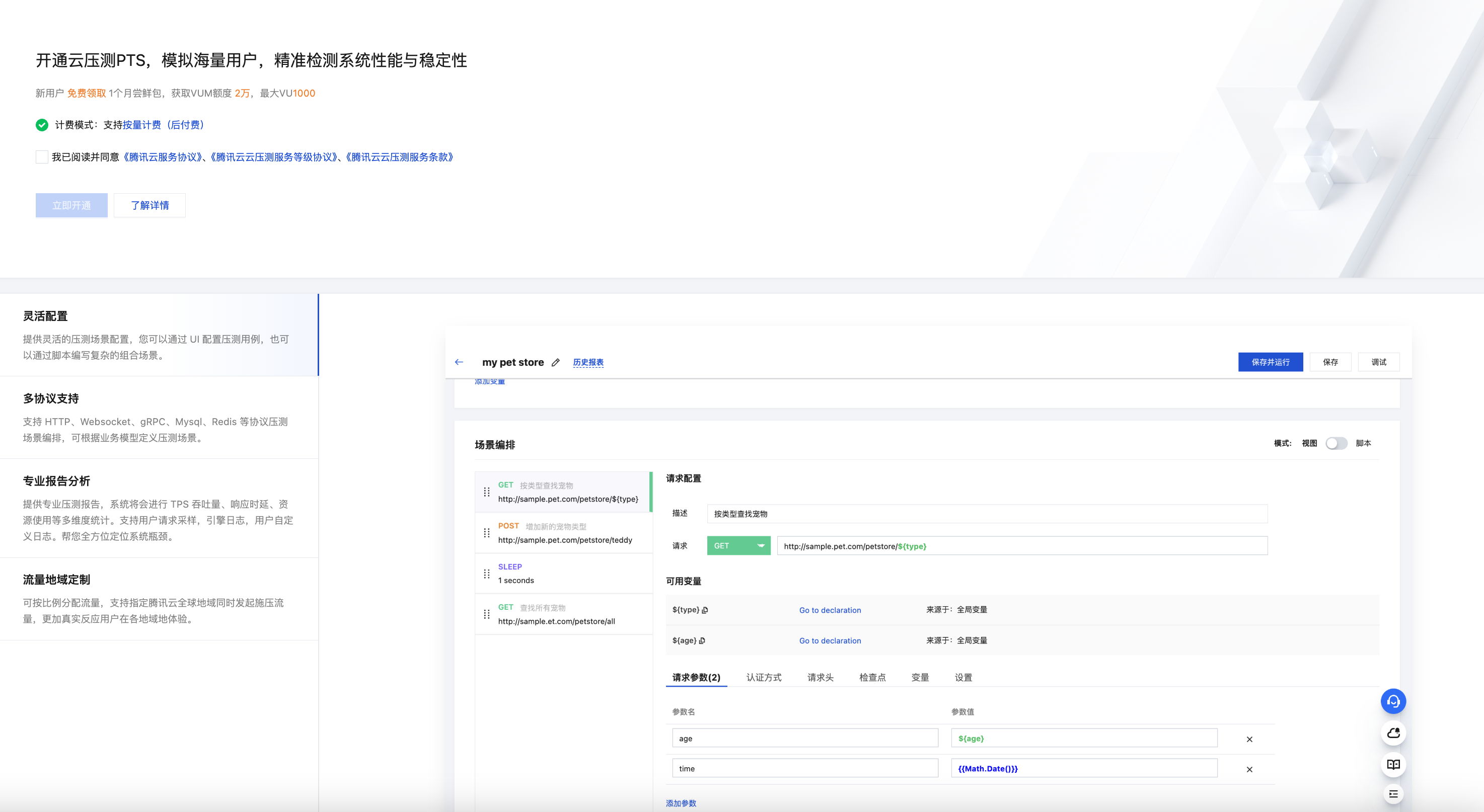
After logging into the PTS console for the first time, new users will be automatically redirected to the page for activating PTS. By activating PTS, you will automatically obtain a complimentary trial resource package. The free trial package is valid for 1 month, supporting a maximum of 1000 concurrency and 20,000 VUM quota. After activating PTS, you can check your resource package details on the PTS > Resource Package Management page.


Help and Support

Was this page helpful?

Help us improve! Rate your documentation experience in 5 mins.

Feedback