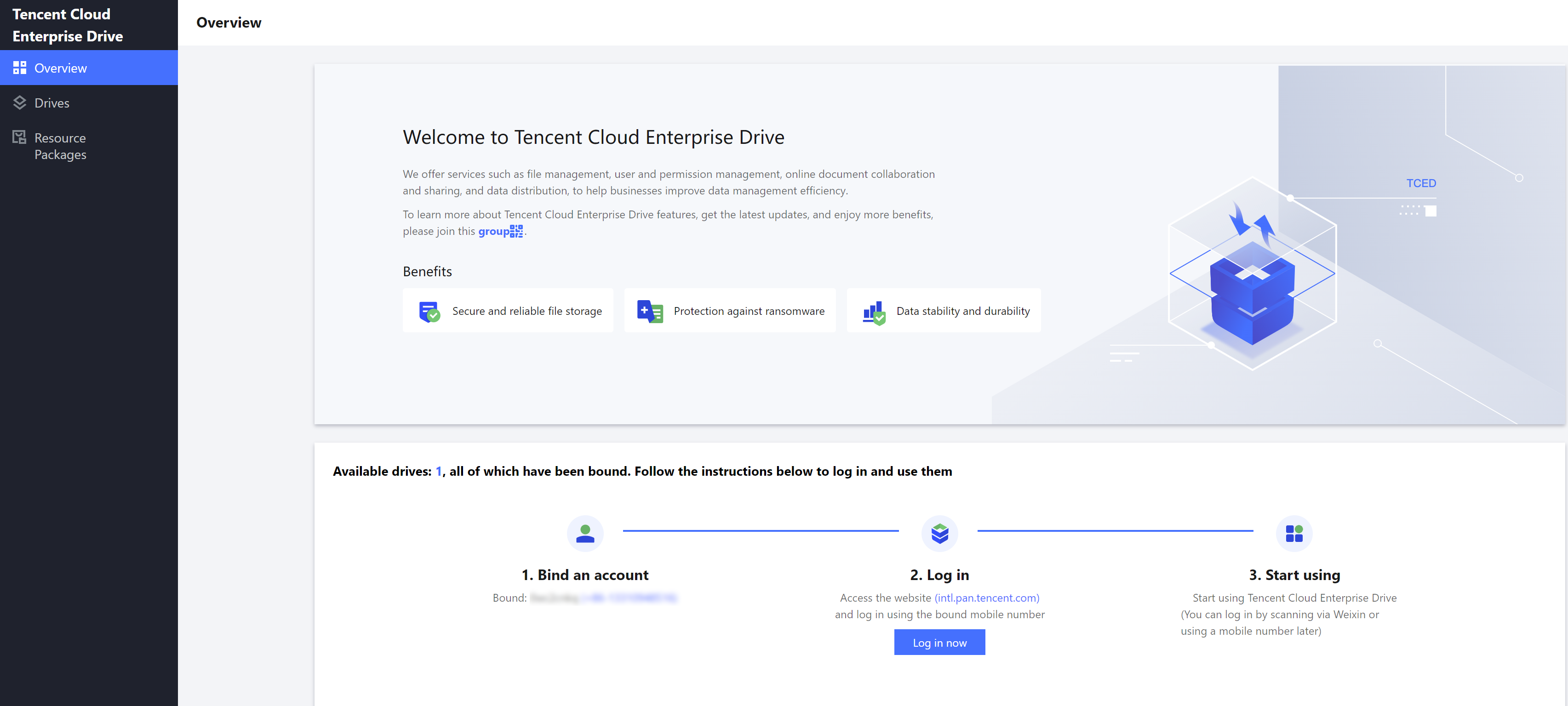
The Enterprise Drive Console can assist you in comprehending the current storage capacity, user count, and external network traffic usage. Additionally, it facilitates a variety of operations such as package upgrades, traffic purchases, and resource pack management.
Upon logging into the Enterprise Drive console, you are, by default, directed to the Overview page.
You can review the usage of the current Enterprise Drive related services, including the consumption of storage, users, and external network traffic.
Item
Note
Drive ID
Each drive has a unique identifier, which can be utilized for problem identification, logging in, and other scenarios.
Super Administrator
The current drive's super admin's mobile number or mailbox.
Storage
The storage capacity utilized and purchased by the drive.
Users
The number of users used and purchased. You can click to expand the capacity.
Public network traffic
The consumed quota and total available amount of public network downstream traffic.
Remaining Validity Days
The remaining number of days and expiration date for the use of the drive, with the option to renew upon clicking.