tencent cloud

Control Center

Product Introduction
Overview
Strengths
Scenarios
Purchase Guide
Getting Started
Enabling Control Center
Configuring a Landing Zone
Operation Guide
Landing Zone
Control Center Overview
Baselines
Accounts
Login Permissions
Finance
Security Rules
Compliance Audit
Cloud Security Center
Use Cases
Centrally Managing Enterprise Accounts
Multi-Account Financial Management
Multi-Account Permissions Management
Multi-Account Log Collection and Auditing
API Documentation
History
Introduction
API Category
Making API Requests
Account Factory APIs
Data Types
Error Codes
Control Center Policy
Privacy Policy
Data Processing And Security Agreement
FAQs

Viewing a Landing Zone

PDF
Focus Mode
Font Size
Last updated: 2023-12-24 09:30:22

Overview

In Tencent Cloud Control Center, a landing zone provides a top-level framework for enterprise cloud migration. It enables enterprises to rapidly establish a cloud environment aligned with best practices. If you haven't set up a landing zone, you can refer to the document for landing zone configuration. This document describes the resulting page after a landing zone is set up.

Prerequisites

You have logged in to the Tencent Cloud console and set up a landing zone.

Directions

Viewing existing configurations

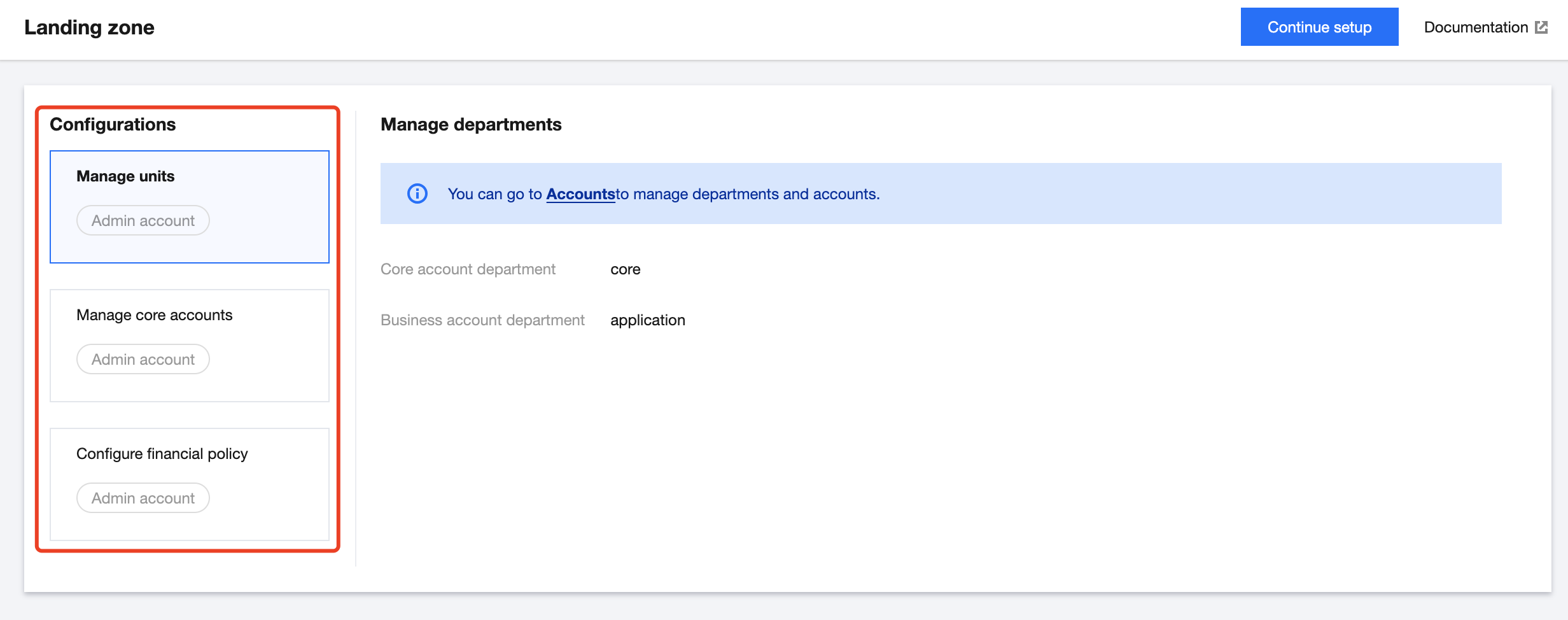
In the Tencent Cloud console, go to the Control Center > Landing zone page. The configurations that have been set up are displayed on the left side of the page. You can click a configuration to view its setup history in detail.


Continuing landing zone setup

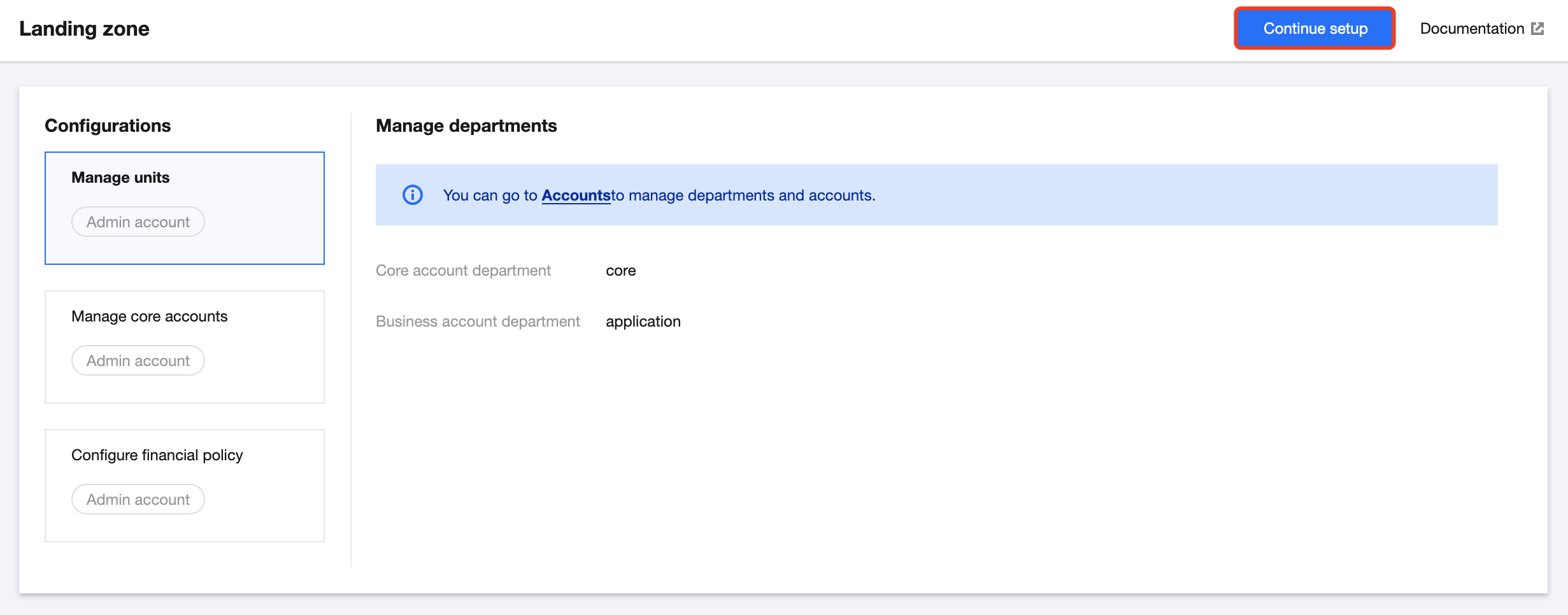
Click Continue setup in the top-right corner to complete the setup of the landing zone.


Help and Support

Was this page helpful?

Help us improve! Rate your documentation experience in 5 mins.

Feedback