tencent cloud

Cloud Automated Testing

Product Introduction
Overview
Strengths
Use Cases
Purchase Guide
Billing Overview
Purchase Methods
Payment Overdue
Getting Started
Operation Guide
Creating Test Task
Pausing Task
Resuming Task
Instant Test
Testing Statistics
Task Comparison
Access Management
References
FAQs
General
Cloud Automated Testing Service Level Agreement
CAT Policy
Privacy Policy
Data Processing And Security Agreement

Policy Management

PDF
Focus Mode
Font Size
Last updated: 2023-12-22 11:34:02
A sub-account has no CAT permissions by default and can access CAT resources only after being granted relevant permissions by the root account.

Prerequisites

Log in to the Tencent Cloud console with the root account or a sub-account with the QcloudCamFullAccess permission and create a sub-account as instructed in Creating Sub-user.

Custom policy

1. Use the root account or a sub-account with the QcloudCamFullAccess permission to log in to the CAM console and go to the Policies page.
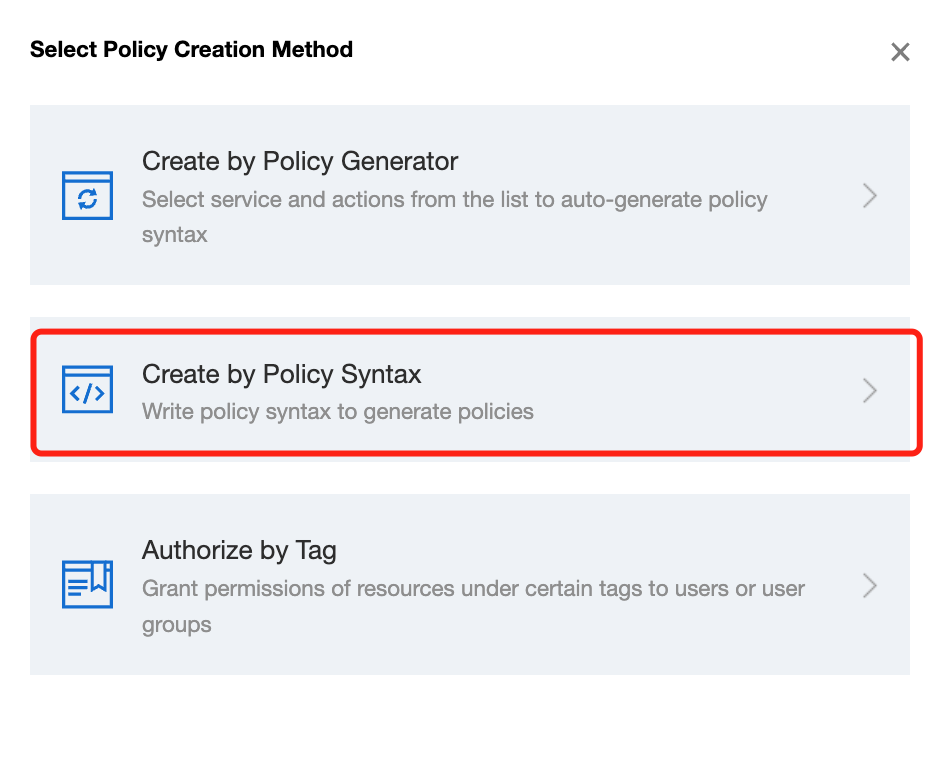
2. Click Create Custom Policy > Create by Policy Syntax and select Blank Template. Edit the policy as instructed in Policy Syntax.


Policy authorization

Note:
CAT creates default permission policies QcloudCATFullAccess (full access to CAT) and QcloudCATReadOnlyAccess (read-only access to CAT) for you. You can search for a default policy for quick authorization. You can also use a custom policy for authorization. Then, the sub-account can access the relevant resources.
1. Use the root account or a sub-account with the QcloudCamFullAccess permission to log in to the CAM console and go to the Policies page.
2. Go to the policy management page and enter a policy name in the policy search box.
3. Select QcloudRUMReadOnlyAccess or QcloudRUMFullAccess and click Associate Users/Groups in the Operation column.


4. In the pop-up window, select the target user and click OK.

Help and Support

Was this page helpful?

Help us improve! Rate your documentation experience in 5 mins.

Feedback