Deleting a Database Asset
Mode fokus
Ukuran font
Overview
When an asset that has been added to the BH is terminated, it needs to be manually deleted. Below is a detailed instruction on how to delete a database asset.
Directions
1. Log in to the BH console.
2. In the left sidebar, choose Asset Mgmt > Database.
3. On the Database Assets page, you can delete a database or batch delete databases. The specific operations are as follows:
If you want to delete a database, click More > Delete in the operation column of the corresponding database asset.

If you want to delete multiple database assets, select the databases you want to delete and click Delete.
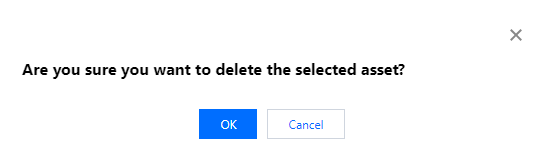
4. In the confirmation window, click OK to delete the asset.
Bantuan dan Dukungan
Apakah halaman ini membantu?
Anda juga dapat Menghubungi Penjualan atau Mengirimkan Tiket untuk meminta bantuan.
masukan