Viewing custom attributes
Unduh
Mode fokus
Ukuran font
Scenarios
After adding custom attributes, you can view the attribute information, such as the attributes' fields, regular expressions, and error messages.
Steps
1. Log in to the Customer Identity and Access Management console. Select User management -> Custom attributes in the left navigation pane.
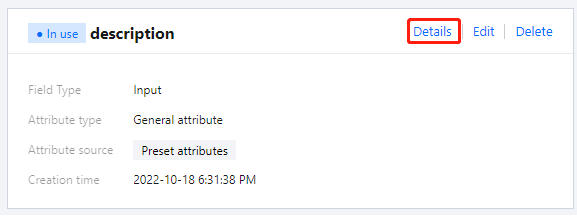
2. On the Custom attributes page, click Details.
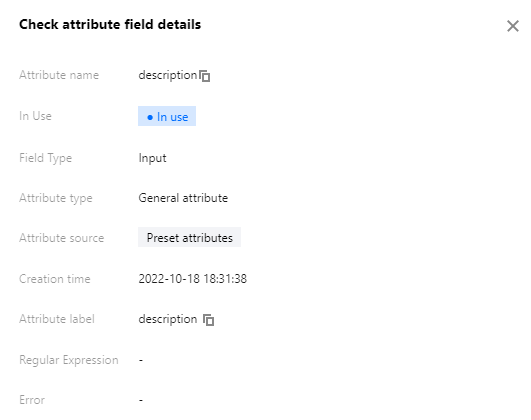
3. In the Check attribute field details window displayed, you can view the details of the attribute fields.
Bantuan dan Dukungan
Apakah halaman ini membantu?
Anda juga dapat Menghubungi Penjualan atau Mengirimkan Tiket untuk meminta bantuan.
masukan