Introduction
capture one frame is similar to frame capture, which means capturing the result image of a certain rendering for other processing. capture one frame only captures one frame at a specific time, while frame capture captures multiple frames based on conditions. The captured result can be considered as a simple image, which can be used for Foreground Sticker, Tracking Sticker, and any other components that require input images.
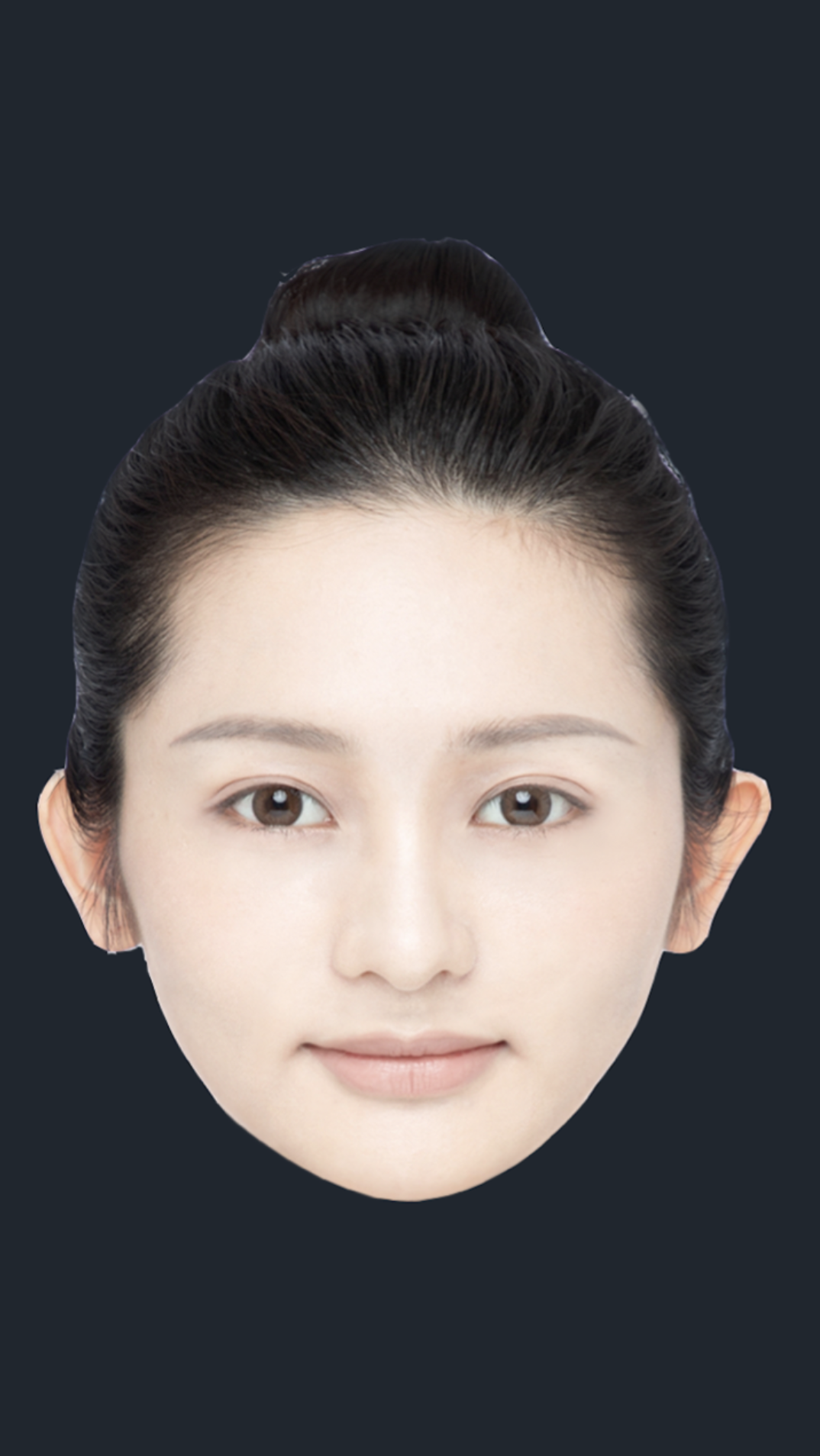
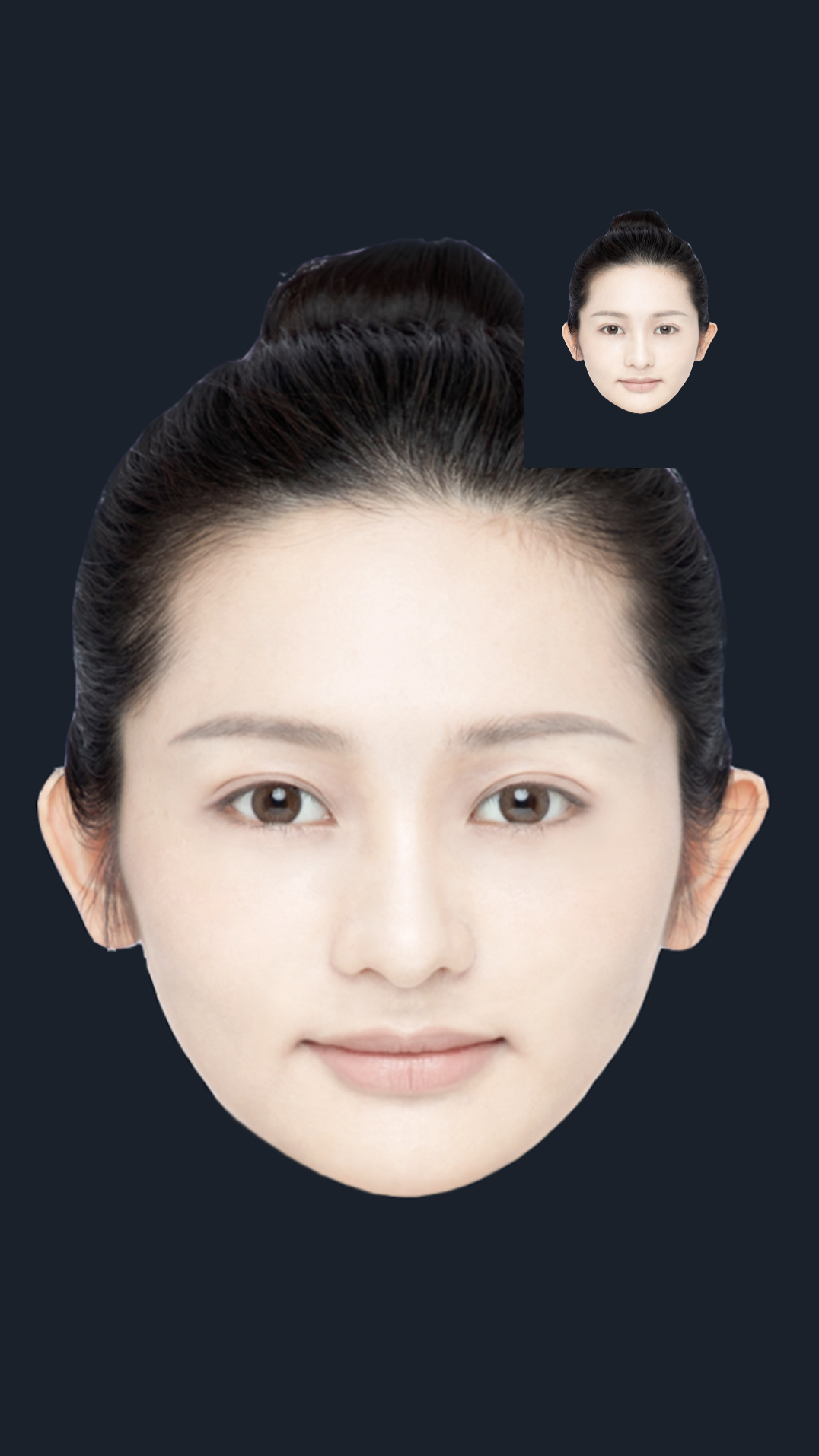
Original Image After adding frame capture
Basic usage of capture one frame.
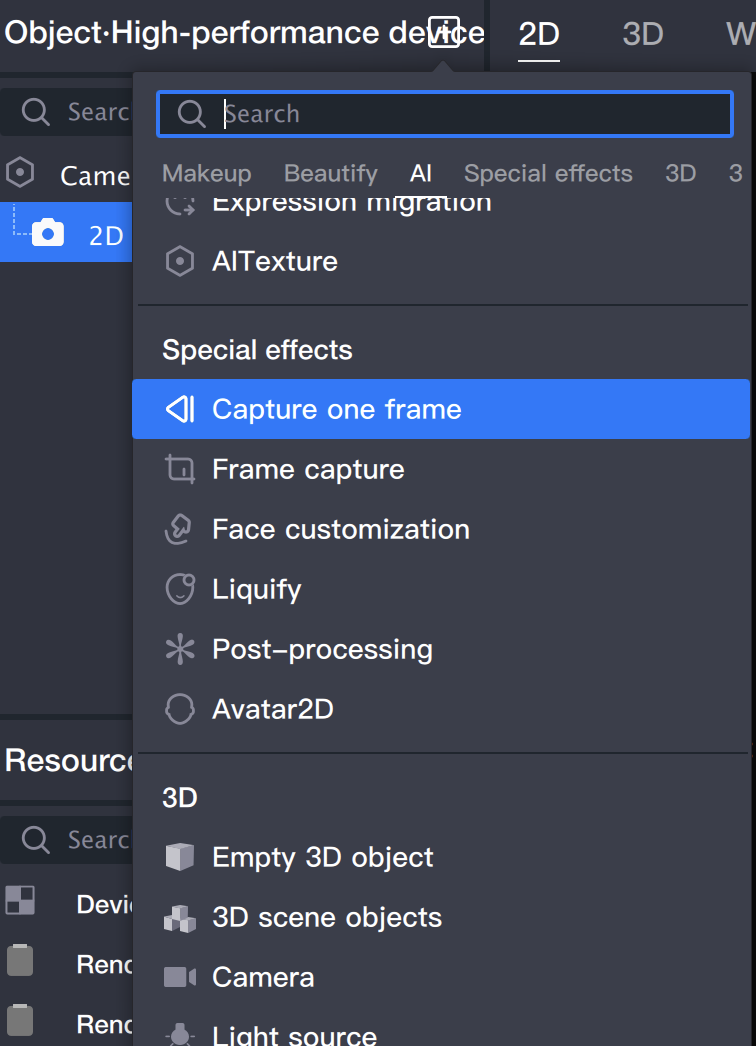
1. Add a capture one frame Object.
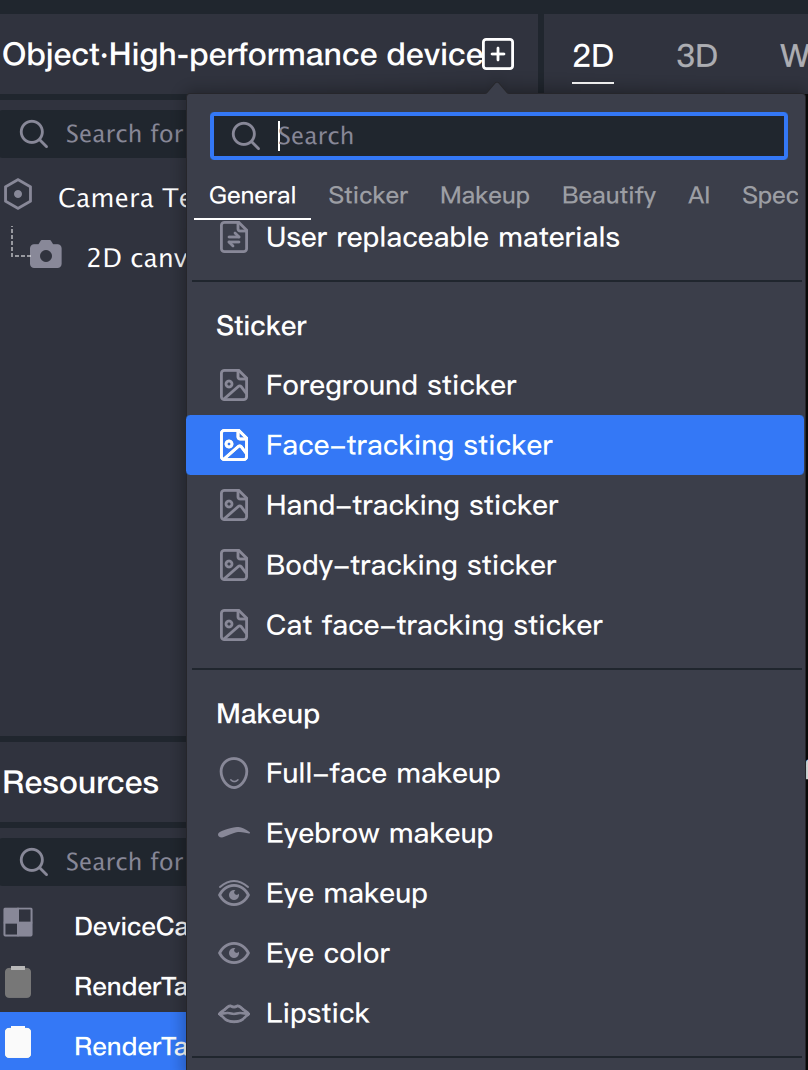
1.1 Add "capture one frame" in the Object Panel.
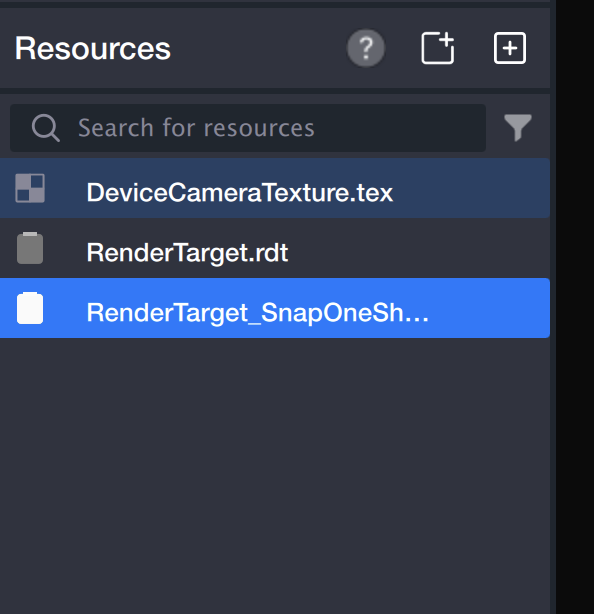
1.2 After creating a capture one frame Object, you can see that a RenderTarget_SnapOneShot_2.rdt will be automatically added to the Resource Panel. This file serves as the output of the capture one frame Object.
2. Add a Face-following Sticker to the output image.
2.1 Add "Face-following Sticker" in the Object Panel.
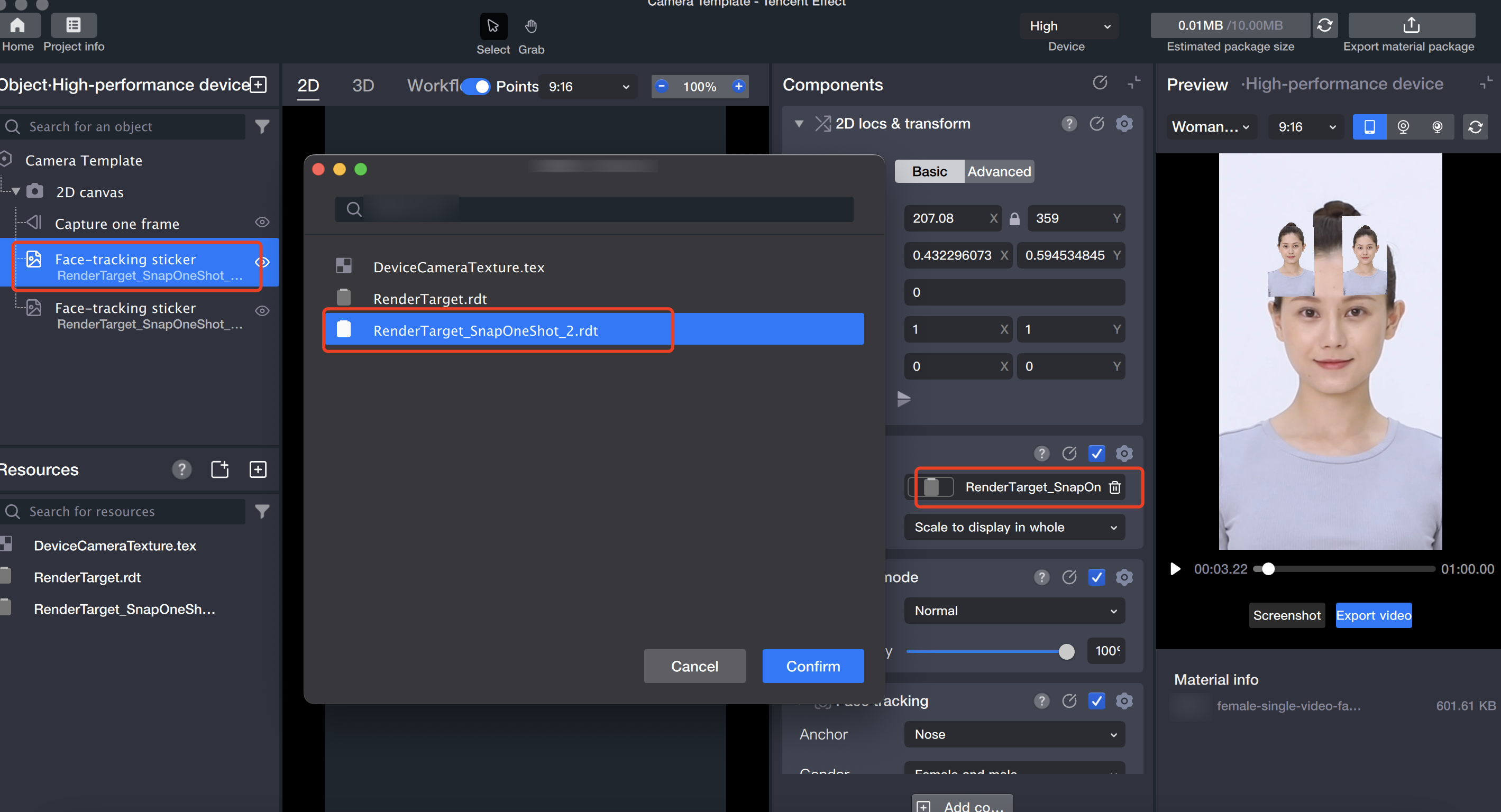
2.2 Select the output image of the capture one frame in the image file.
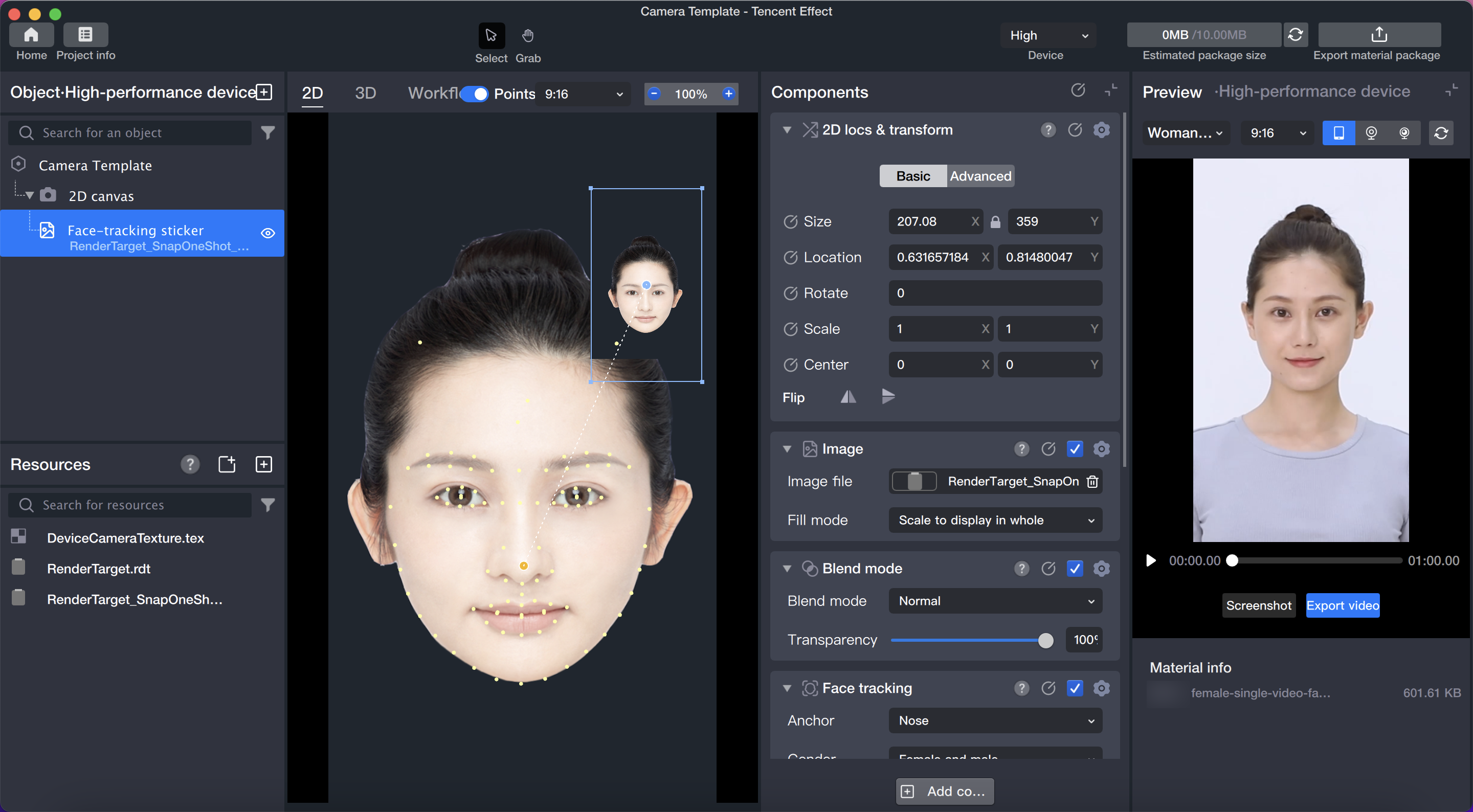
2.3 Adjust the size and position of the output image of the capture one frame.
the output image:
Basic usage of frame capture
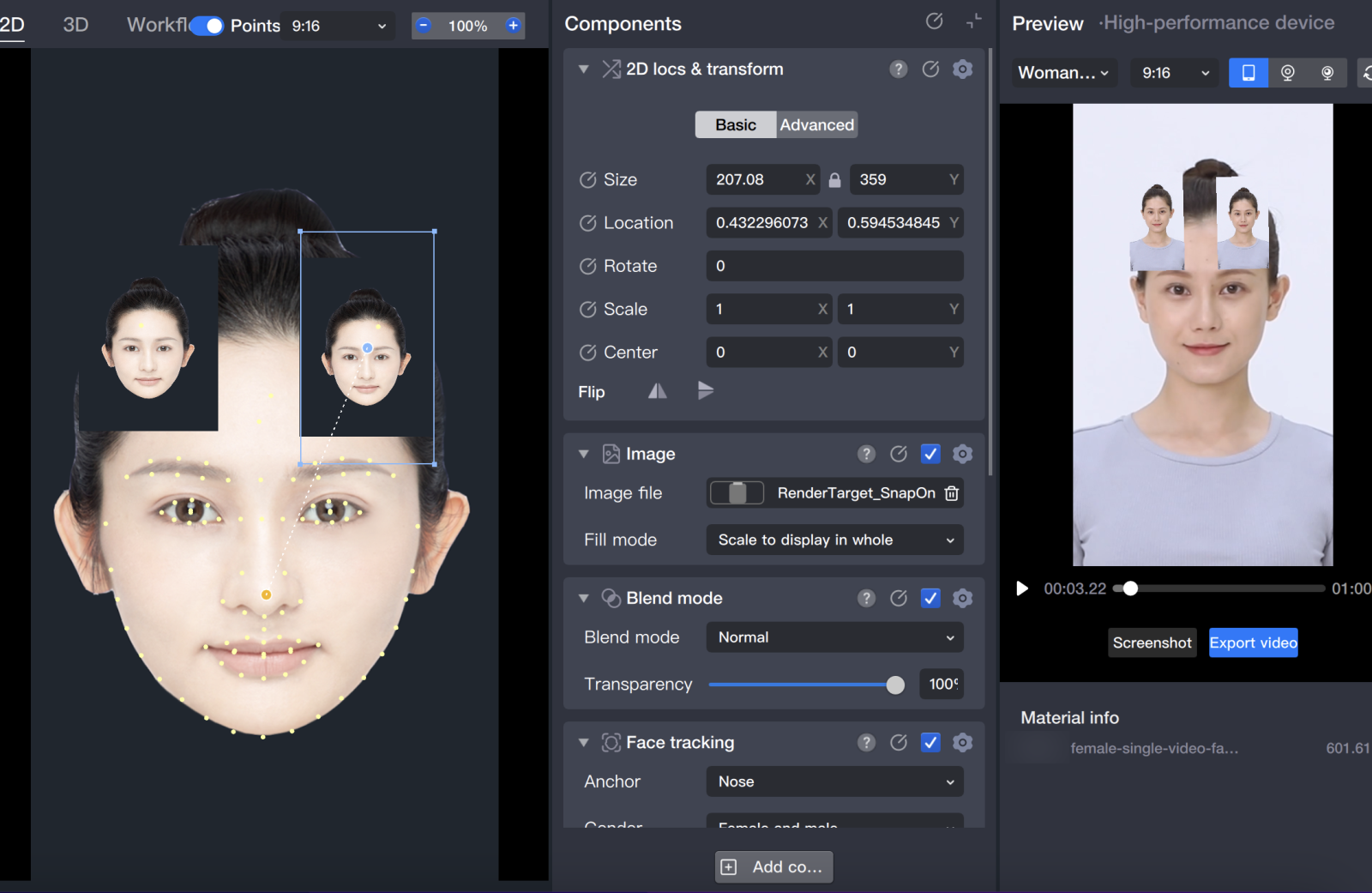
Similar to the usage of capture one frame, the difference is that the added object is "frame capture", and the generated file in the Resource Panel is RenderTarget_frame capture_1.rdt.
The difference is that the frame capture Object will continuously capture images, so you can see in Tencent Effect that the image of the Face-following Sticker (input as the captured image of the frame capture Object) also changes over time.