tencent cloud

Tencent Cloud TI Platform

Product Introduction
Overview
Product Pricing
Benefits to Customers
Use Cases
Purchase Guide
Billing Overview
Purchase Mode
Renewal Instructions
Overdue Payment Instructions
Security Compliance
Data Security Protection Mechanism
Monitoring, Auditing, and Logging
Security Compliance Qualifications
Quick Start
Platform Usage Preparation
Operation Guide
Model Hub
Task-Based Modeling
Dev Machine
Model Management
Model Evaluation
Online Services
Resource Group Management
Managing Data Sources
Tikit
GPU Virtualization
Practical Tutorial
Deploying and Reasoning of LLM
LLM Training and Evaluation
Built-In Training Image List
Custom Training Image Specification
Angel Training Acceleration Feature Introduction
Implementing Resource Isolation Between Sub-users Based on Tags
API Documentation
History
Introduction
API Category
Making API Requests
Online Service APIs
Data Types
Error Codes
Related Agreement
Service Level Agreement
Privacy Policy
Data Processing And Security Agreement
Open-Source Software Information
Contact Us

GPU Virtualization

PDF
Focus Mode
Font Size
Last updated: 2025-05-12 17:48:10

Overview

Tencent Cloud TI Platform provides GPU virtualization functionality, which can allocate the computing power of the same GPU card to different training tasks and inference services for use, enhancing resource allocation flexibility and usage efficiency.

Supported GPU Models

The following GPU types are supported by the platform's GPU virtualization functionality:
T4... (Other types will be launched on the international site successively. Stay tuned.)

Feature Usage Instructions

Prerequisites

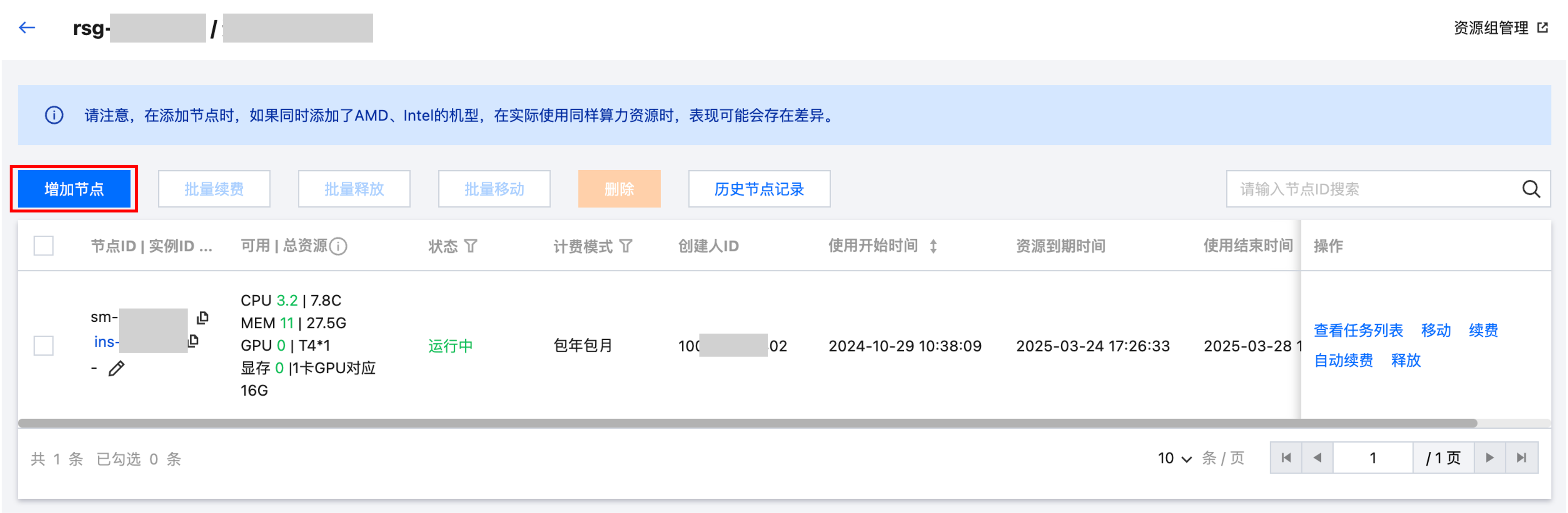
You need to create a resource group in advance on the Resource Group Management page and add your CVM to the resource group in the form of a node.


Usage Method

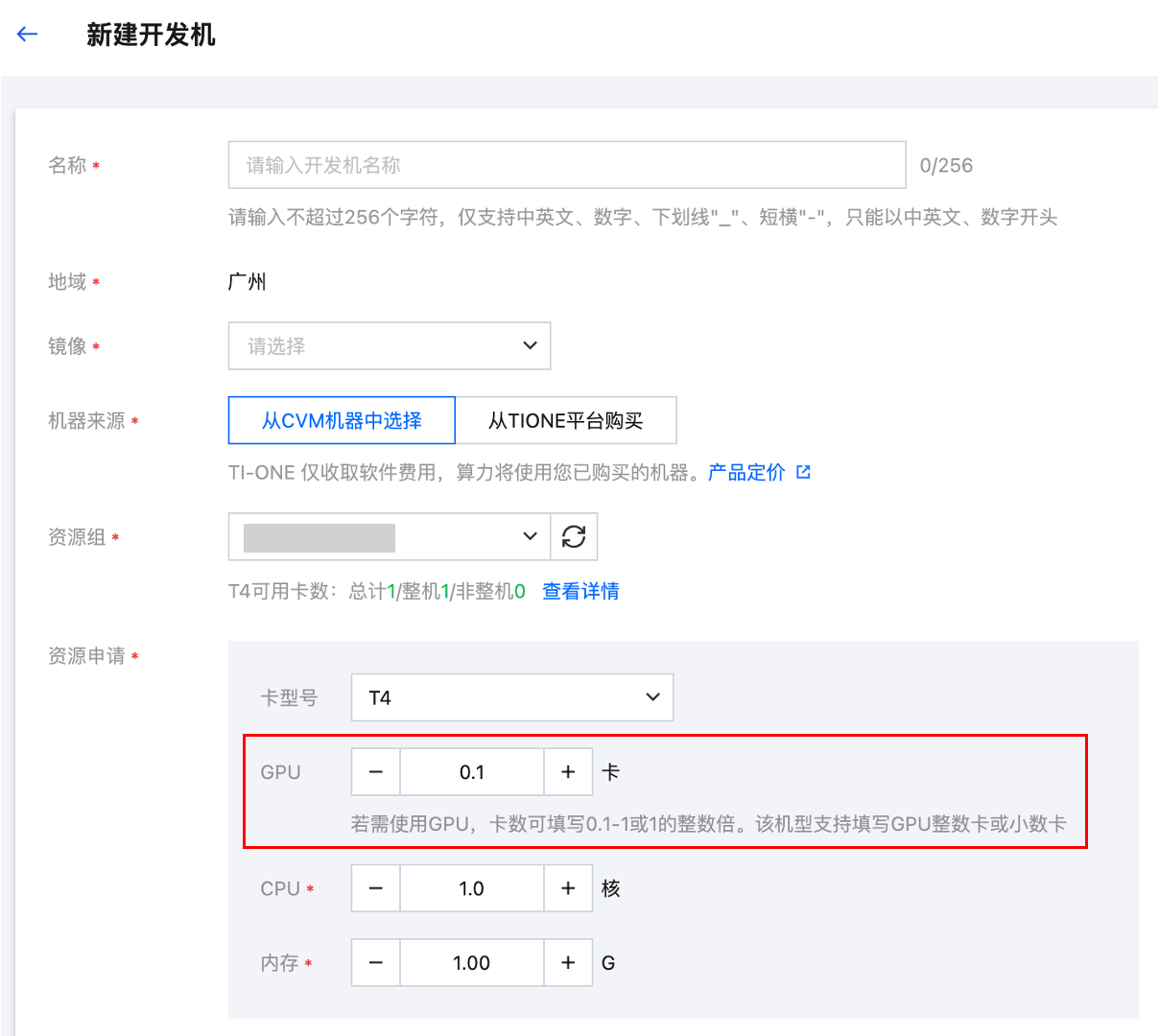
When creating a development machine instance, task-based modeling training task, or online service, after selecting your resource group, if it includes GPU types that support virtualization, you can select a GPU quantity between 0.1 and 1 when configuring resources.


Notes

Since GPU types on the market are constantly increasing and related drivers are continuously updated, the platform's GPU virtualization functionality for GPU types is gradually expanding. The platform's newly supported GPUs for virtualization may not be able to use the virtualization feature in existing resource groups. Please pay attention to the platform's related prompts when using.
If nodes with GPU types not yet supported for virtualization by the platform are added when creating a resource group, the virtualization functionality of the above-mentioned GPUs in the resource group still cannot be used after the platform subsequently supports virtualization for that model.
In the above situation, you also cannot directly move the above nodes to other resource groups; however, you can remove the nodes from the resource group and re-add them to a newly created resource group, so that you can use the virtualization feature.


Help and Support

Was this page helpful?

Help us improve! Rate your documentation experience in 5 mins.

Feedback