Allowlist management is applicable for developers to allow specified users to report more information such as log and API information. This document describes how to use the allowlist management feature. For detailed logic about the allowlist, see Allowlist. Directions
Configuring an allowlist
2. On the left sidebar, click Application Management > Allowlist Management to enter the allowlist management page.
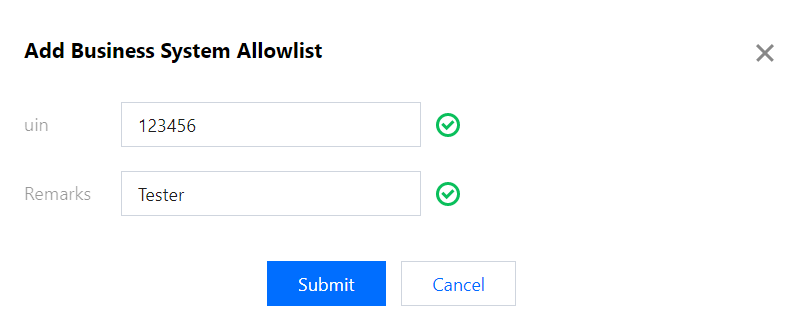
3. Click Add to Allowlist in the top-left corner and enter the user UIN and remarks in the pop-up window.
Deleting an allowlist
Find the UIN of the target user in the allowlist and click Delete in the Operation column.