You can collect ClickHouse node logs under your account to Cloud Log Service (CLS) as well as enable and use the log search feature as needed.
Note:
CLS is postpaid, so make sure that your account balance is sufficient to ensure normal ClickHouse log upload and display. For more information on CLS fees, see Billing Overview. When CLS is enabled, the authorized permissions will take effect simultaneously.
Enabling cluster logging
Enable CLS for a new cluster
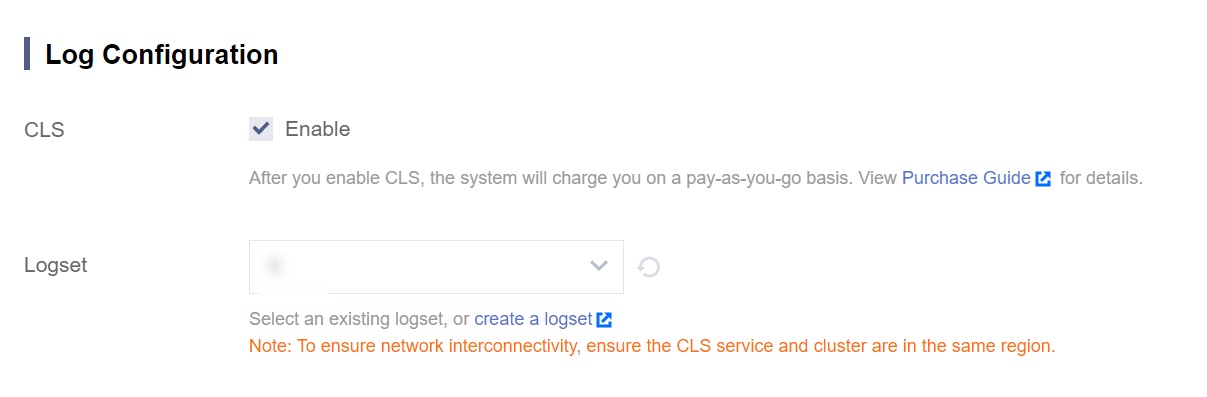
You can configure CLS when creating a cluster. Select an existing CLS logset or create one in the same region as the cluster. Logs are stored for 30 days by default.
Note:
A log topic will be created in your configured logset to store ClickHouse logs. You can view the topic on the CLS page. Do not delete this topic configured for the ClickHouse cluster; otherwise, log queries will fail on the ClickHouse log search page.
Enable or modify CLS for an existing cluster
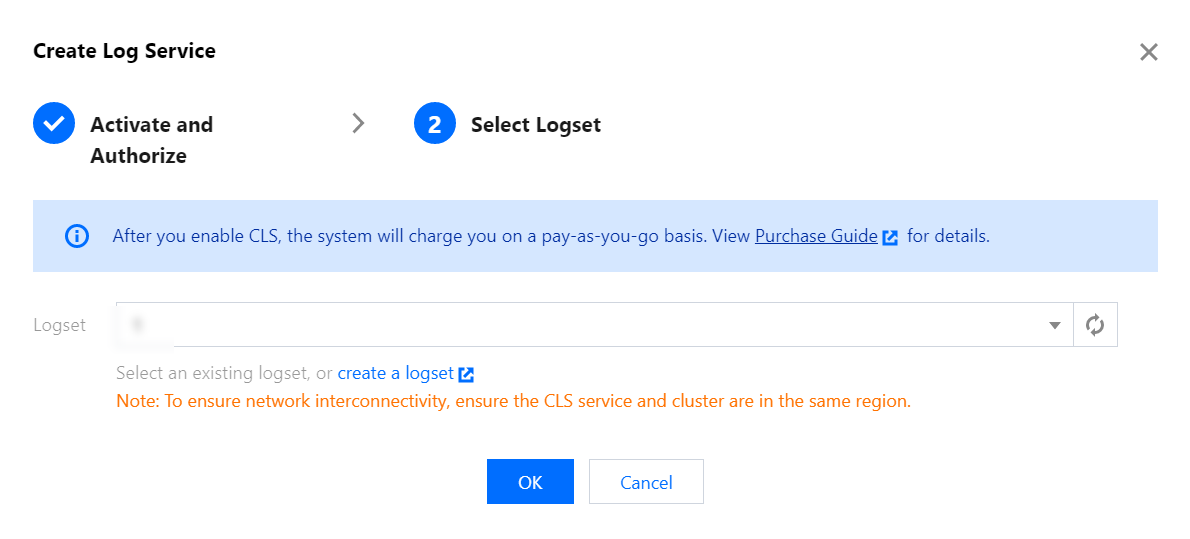
If CLS is not enabled for a ClickHouse cluster during cluster creation, you can enable it by selecting Operation > More > Create Log Service in the cluster list. Note that you need to be authorized first before configuring a logset.
Using Log Search
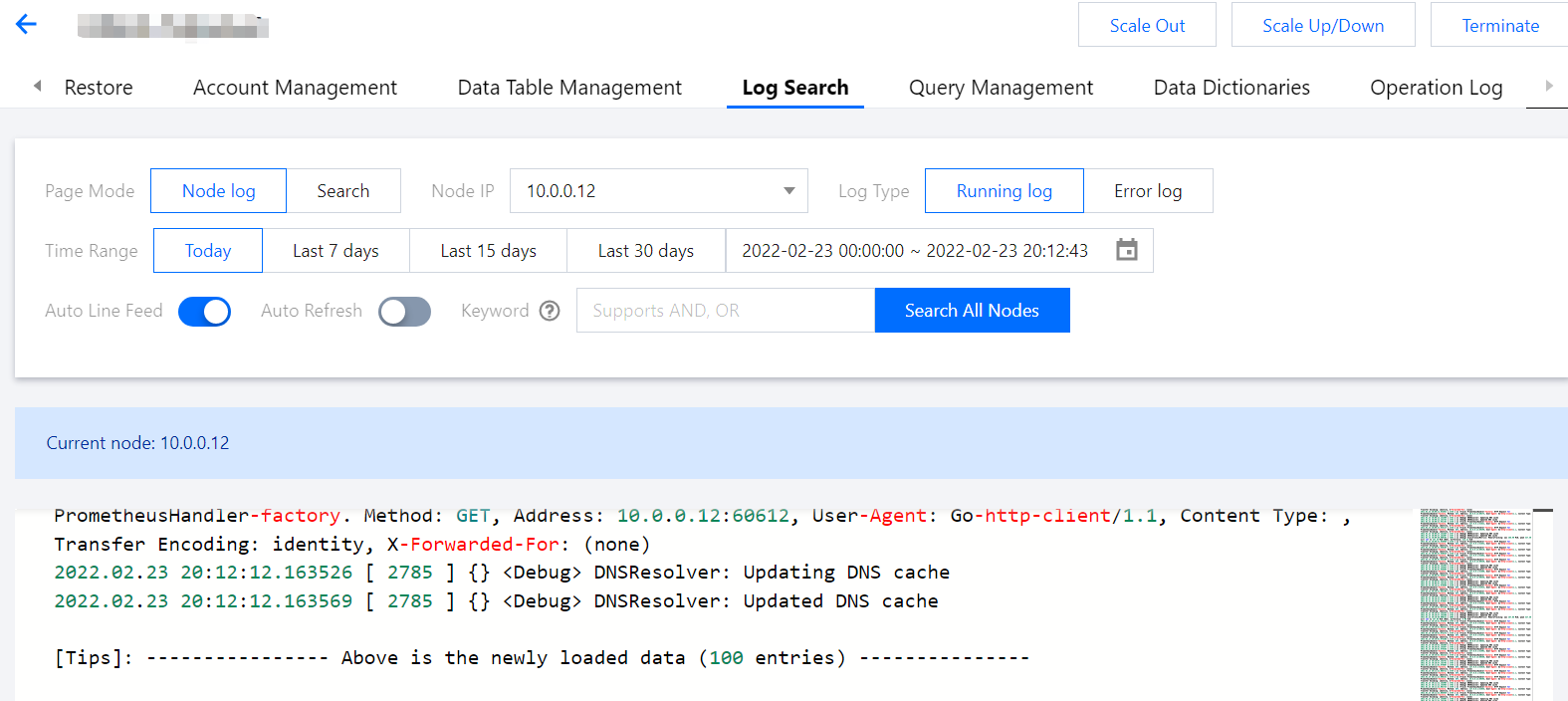
1. Log in to the Tencent Cloud TCHouse-C console, click a Cluster ID/Name in the Cluster List to enter the cluster details page, and switch to the Log Search tab.
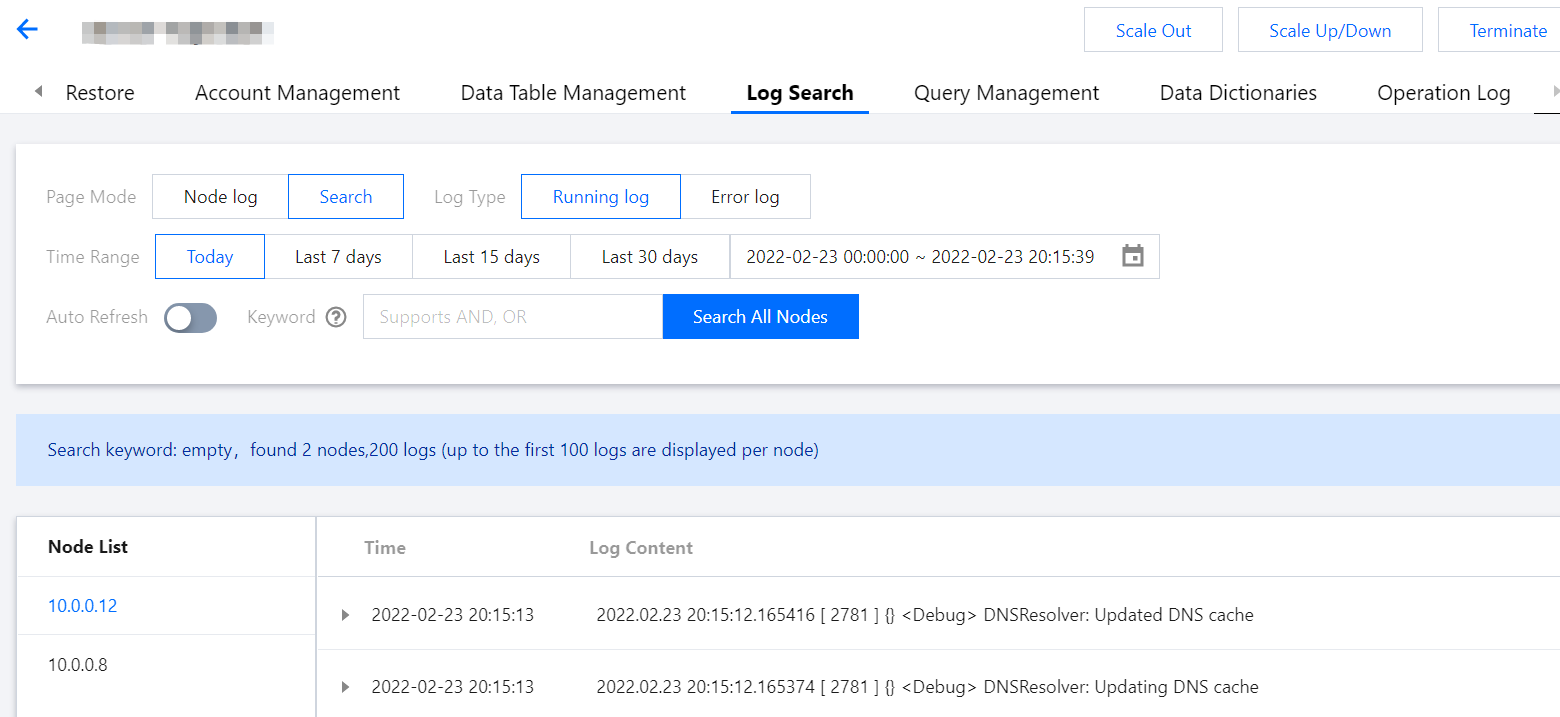
2. The Page Mode can be Node log or Search. The Log Type can be Running log or Error log. You can view logs of each node as needed.
3. You can query logs by keyword. The results are grouped by node IP. The last 100 logs are displayed for each node by default.