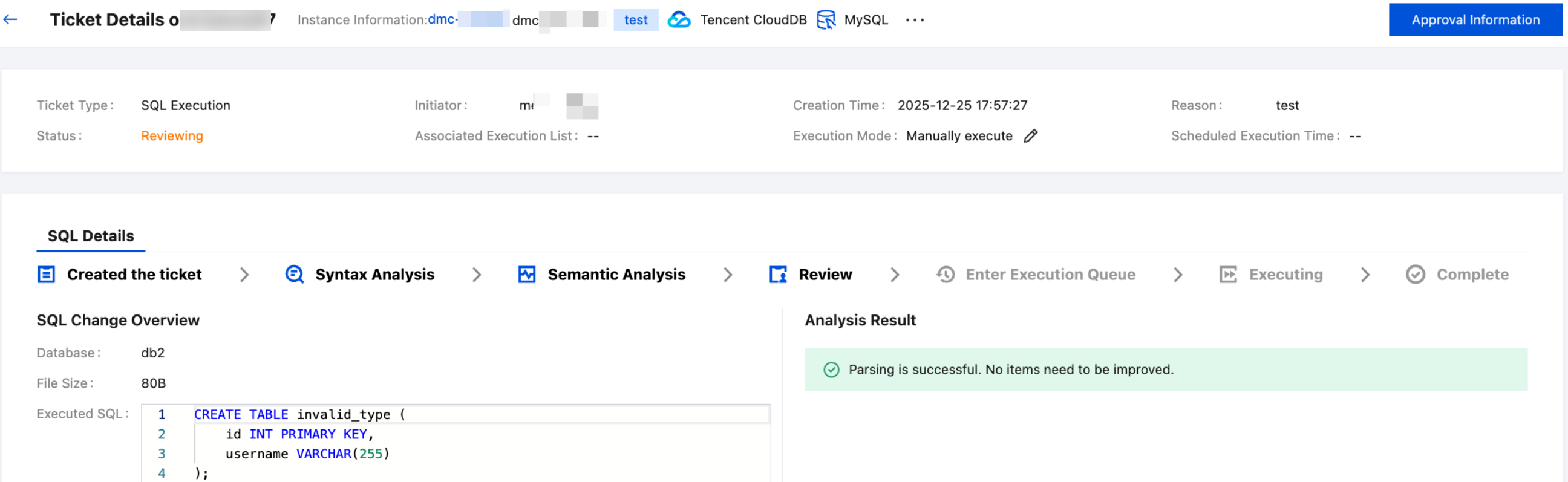
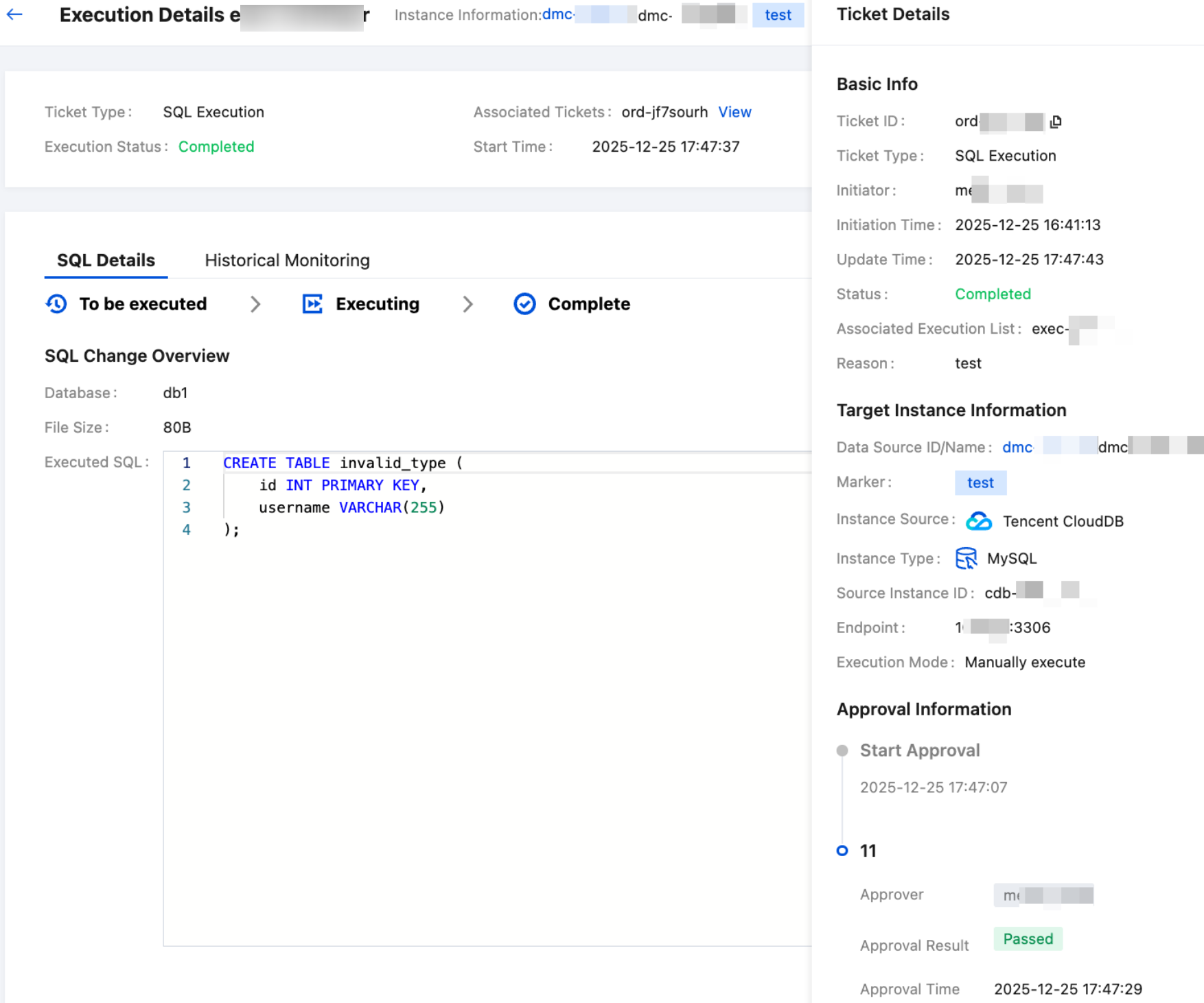
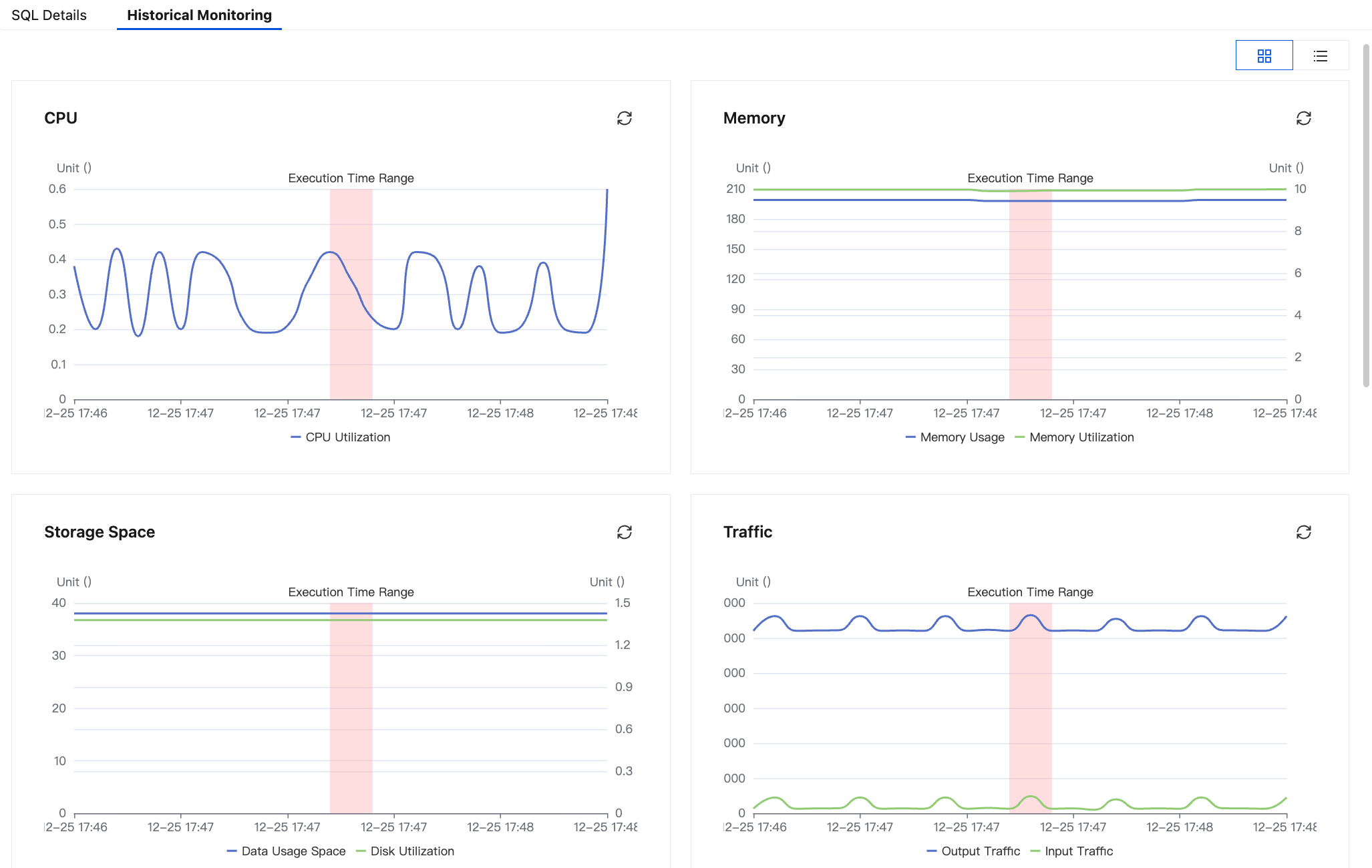
When you need to execute pending tickets, terminate ongoing ticket executions, and view tickets that have been terminated, failed, or successfully executed, you can perform related operations on the Execution List page.
Prerequisites
The sub-account has the necessary access permissions for DMC-related feature pages. For details and operations, see DMC User Permission Settings. The root account has full permissions by default.
An SQL change, data import, data export, or permission request ticket has been submitted, and its status is In the Execution Queue, Terminated, Execution Failed, or Completed. For detailed operations, see SQL Change, Data Import or Export, or Permission Application.
2. In the left sidebar, select Secure Release > Process Management > Execution List.
3. Click Waiting for queue... and Execution History tabs respectively to view the execution list.
Waiting for queue...: Displays tickets which are in the execution queue.
Execution History: Displays tickets that have been terminated, failed, or successfully executed. You should select a time range first to view the execution history.
The parameters of all execution lists are identical, with specific details outlined as follows:
Parameter
Description
Execution ID
Execution ID.
Click the execution ID to view the ticket's execution details.
Associated Tickets
Associated ticket ID.
Click the ticket ID to view the ticket details and approval information.
Ticket Type
Submitted ticket types, including SQL changes, imports, exports, and permission requests.
Initiator
The user who submitted the ticket.
Associated
Instances
The data source ID and name corresponding to the execution instance.
Marker
The tag selected for the ticket execution instance.
Endpoint
The connection address of the execution instance.
Database Type
The type of database to which the instance belongs.
Instance Source
Include Tencent Cloud database, CVM self-built instances, and public network self-built instances.
Source Instance ID
The ID of the source instance.
Execution Method
The execution method selected when creating a ticket, including manual execution, automatic execution, and scheduled execution.
Scheduled Execution Time
When the ticket execution method is scheduled execution, the execution time set during the creation of the ticket is displayed.
Start Time
The start time of the ticket execution.
End Time
The end time of the ticket execution.
Progress
The progress of ticket execution.
Status
The In the Execution Queue page includes the following statuses:
To be executed: Indicates that the ticket has entered the pending execution queue.
Automatic Execution: After a brief wait, it changes to the Executing status.
Scheduled Execution: After reaching the scheduled execution time, it changes to the Executing status after a brief wait.
Manually Execute: You need to click Executed in the operation column to start executing the ticket.
Executing: Indicates that SQL change, data import, data export, or permission granting is in progress. The execution result will be available after a brief wait.
The Execution History page includes the following statuses:
Execution failed: Indicates that the pre-execution of SQL failed. You can view the failure reason in the status column, or click View in the Operation column to view the ticket details and failure information.
Terminated: Indicates that an ongoing ticket execution has been manually terminated.
Completed: Indicates that the ticket has been executed successfully.
Operation
Supported operations include:
View: Allows users to information such as execution details, parsing results, approval information, and historical monitoring.
Execute: The operating user should be the one who submitted the ticket application. If the execution method is selected as Manually Execute during ticket submission and the execution status is Pending Execution, the user needs to proceed with the execution.
Terminate: When the ticket status is Executing, you can click Terminate, and the ticket status will change to Terminated after termination.