When you no longer need a topic, you can manually delete it in the CKafka console.
Note:
Deleting a topic will also clear unconsumed messages retained under it. Proceed with caution.
Operation Steps
2. In the left sidebar, choose Topic, locate the topic to be deleted, choose More > Delete in the operation column, or select multiple topics and click Delete at the top of the topic list.
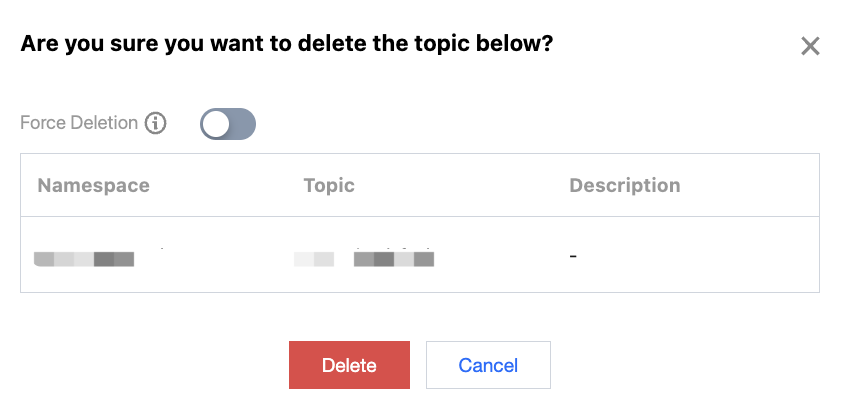
3. In the pop-up dialog box, click Delete to complete the deletion.
Note:
When the forced deletion feature is enabled, deleting a topic will clear all subscription relationships associated with the topic.