Gateway Product Connection
다운로드
포커스 모드
폰트 크기
This document describes how to manage subdevices.
Prerequisites
Directions
Binding subdevice
Note:
A subdevice is a device that can connect to IoT Hub only through a gateway device.
1. Log in to the IoT Hub console and click Products on the left sidebar to enter the product list page.
2. Click the selected product name to enter the product details page. Click Devices and select Subdevice to enter the subdevice page.

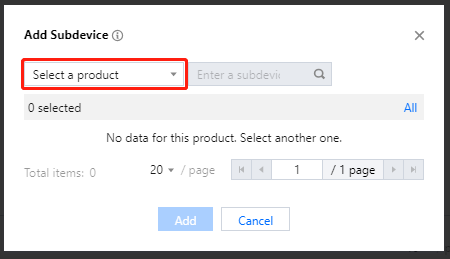
3. Click Add Subdevice, select a product, select the subdevice to be bound to it, and click Add.
Unbinding subdevice
Select the corresponding product on the subdevice page, select the subdevice bound to it, and click Unbind.
피드백