Integrating the Telegraf Service
다운로드
포커스 모드
폰트 크기
Telegraf is a powerful data collection tool from InfluxData. Its primary function is to collect information from various services, including but not limited to CPU utilization, memory usage, and the operational status of common services such as Redis and Nginx. Telegraf integrates with the CTSDB, storing the collected data in the database to help users obtain insights into various services and perform real-time monitoring. This enhances the data collection and analysis experience. For more information, see Telegraf on the official website.
Prerequisites
1. Before integrating Telegraf, you need to purchase an instance of CTSDB 3.0, configure your user account, and create a database. For detailed operations, see Creating Database Instance and Connecting to Instance and Writing Data.
2. Log in to the Cloud Virtual Machine Console and purchase a CVM. You can Customizing Linux CVM Configurations or Customizing Windows CVM Configurations.
3. The Tencent Cloud CVM should be in the same VPC network as the CTSDB instance.
4. Configure outbound rules in the security group of Tencent Cloud CVM by adding the IP and port of CTSDB 3.0 to the outbound rules. Then, configure inbound rules in the security group of CTSDB 3.0 by adding the IP and port of the CVM to the inbound rules. For operation details, see Security Group.
Steps
Perform the following operations, taking the Linux operating system as an example. For other operating systems, see Install Telegraf. Select the corresponding installation package, download it, and configure it.
1. Log in to the Cloud Virtual Machine Console. In the Instance List, locate the purchased server instance and click Log in in the Operation column.
2. Taking Center OS as an example, add the YUM repository for the InfluxDB software package and install it. By default, it will be installed in the /etc directory. For detailed operations, see the official website of Install Telegraf. The following shows the prompt messages during the installation process on Center OS.
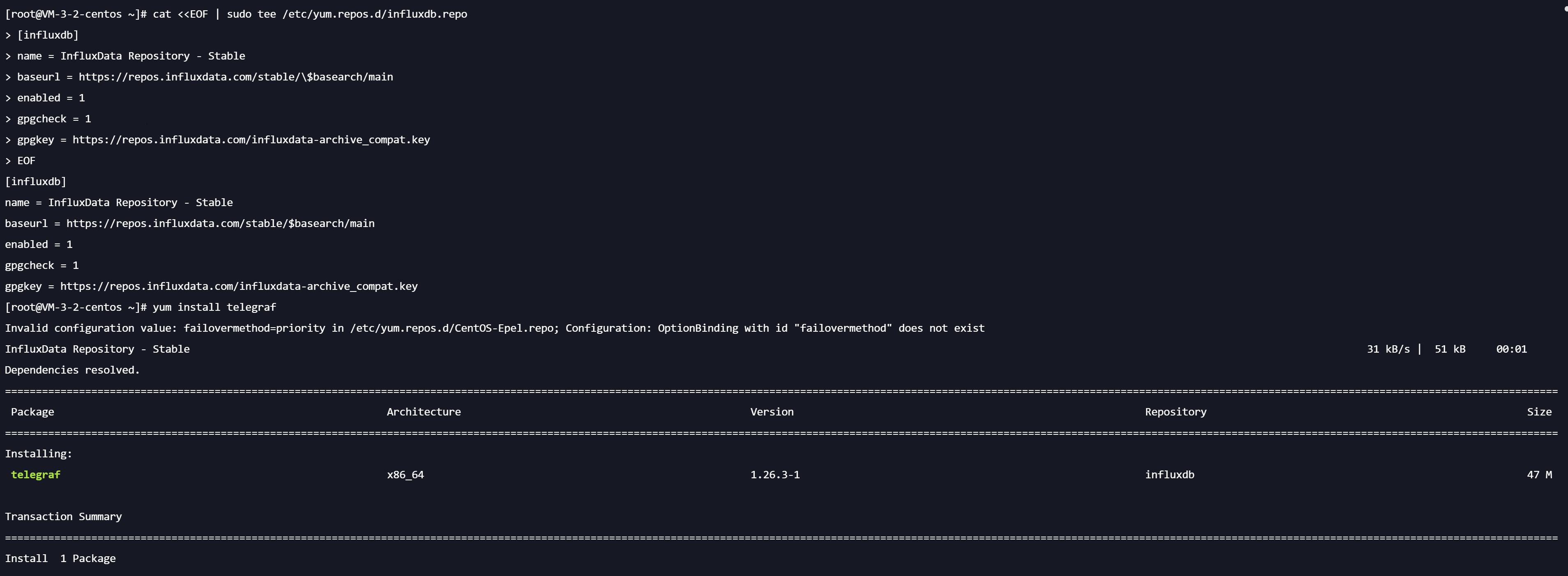
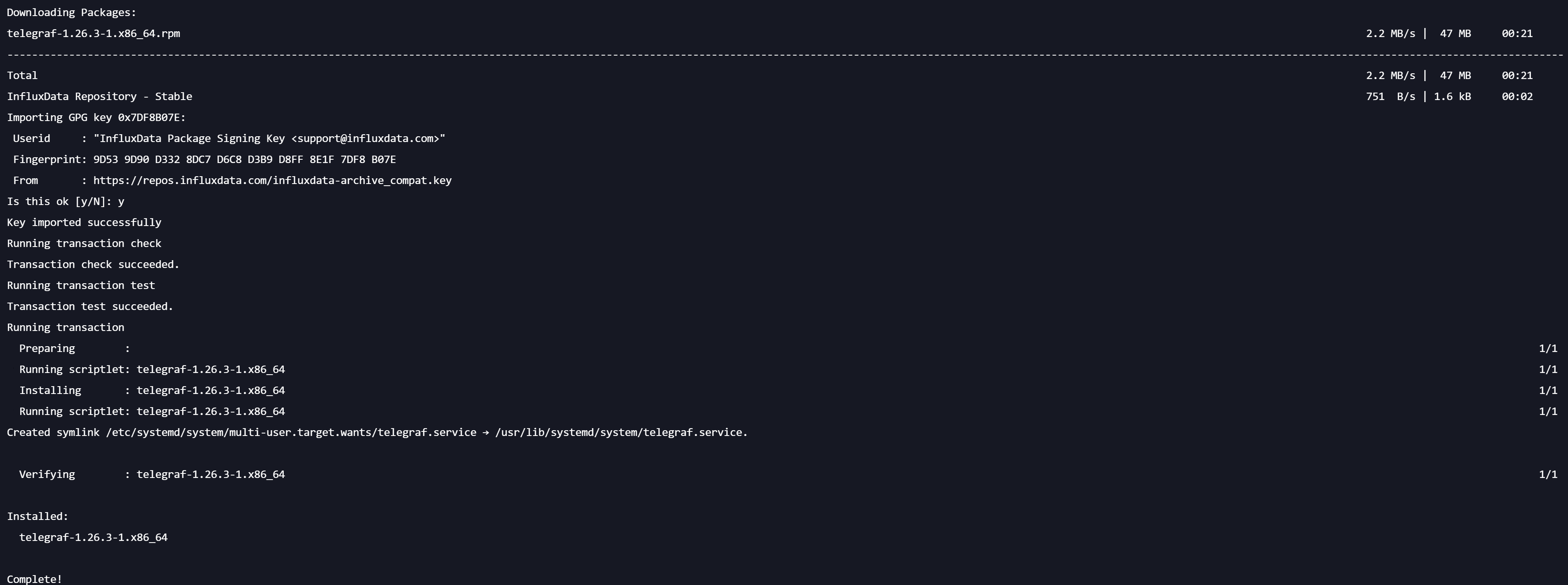
The following image shows the execution success message:
3. Before officially starting, you need to perform the necessary configurations, specify which data Telegraf will collect, and configure the address for data storage. Execute the
cd etc command to navigate to the /etc directory, and then run the following command to generate the Telegraf configuration file.cd etctelegraf config > telegraf.conf
4. Use
vi telegraf.conf to open the file. Find [[outputs.influxdb]] and configure the address for the CTSDB to which data will be output. As shown below, set urls as the internal network address and port of the CTSDB 3.0, database is the name of the database, and username and password are configured as the username and password for accessing the database.[[outputs.influxdb]]urls = ["http://10.1.98.53:8086"]database = "replicaset"skip_database_creation = trueexclude_database_tag = trueexclude_retention_policy_tag = truecontent_encoding = "identity"timeout = "5s"username = "ctsdbi-s0u*****"password = "*********"
The default configuration information for input is as follows, and you can configure the data to be collected based on your requirements.
# Read metrics about cpu usage[[inputs.cpu]]## Whether to report per-cpu stats or notpercpu = true## Whether to report total system cpu stats or nottotalcpu = true## If true, collect raw CPU time metricscollect_cpu_time = false## If true, compute and report the sum of all non-idle CPU statesreport_active = false## If true and the info is available then add core_id and physical_id tagscore_tags = false
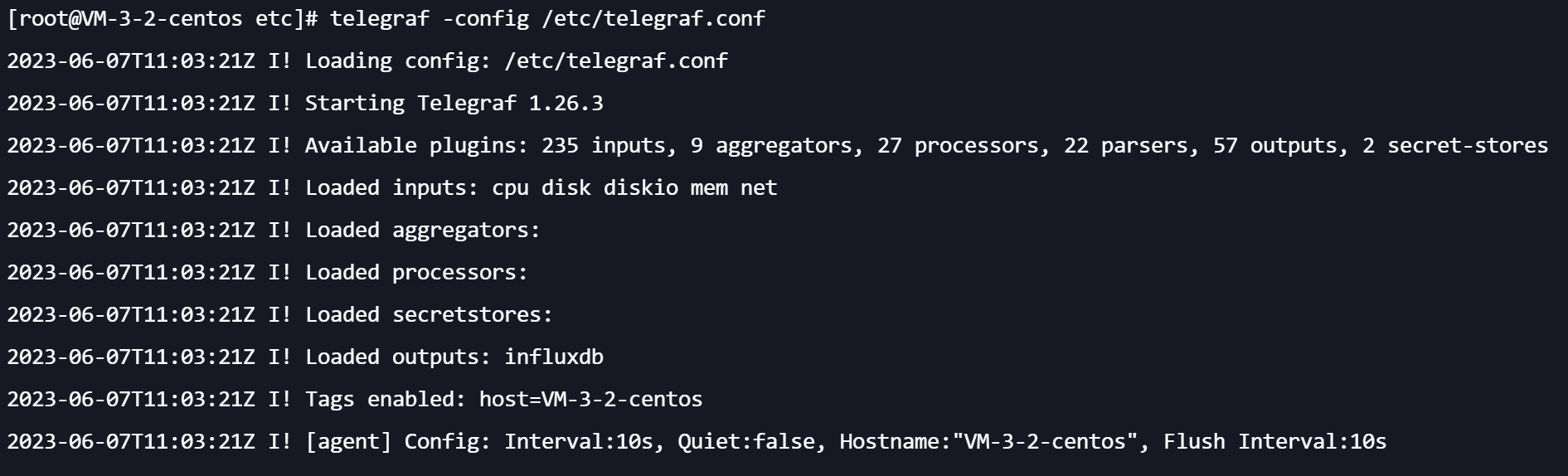
5. Execute the following command to start Telegraf.
telegraf -config /etc/telegraf.conf
The prompt messages are as follows:
6. Connect to the data in the CTSDB 3.0 and execute show
measurements to confirm that the data has been written successfully.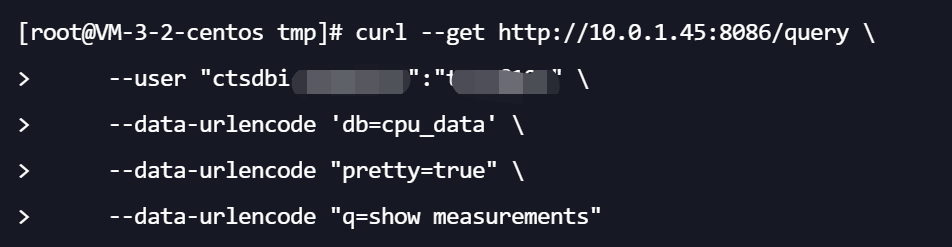
피드백