Bulk Adding Private Domains
다운로드
포커스 모드
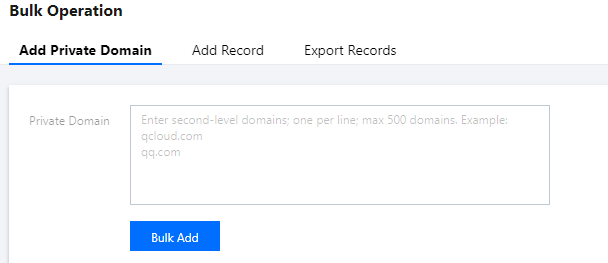
폰트 크기
Overview
This document describes how to bulk add private domains.
Directions
1. Log in to the Private DNS console.
2. On the left sidebar, click Bulk Operation to enter the bulk operation management page.
3. In the Add Private Domain tab, enter the private domains you need to add as shown below:
Note:
You can add up to 500 second-level private domains at a time.
You can only create standard TLD domains that comply with the IANA specifications.
4. Click Bulk Add.
Note:
After bulk adding private domains, you can add corresponding DNS records if needed as instructed in Bulk Adding DNS Records.
피드백