When a TEM application is in failed status, at least one instance is not in Running status. This document describes some common instance error statuses and how to troubleshoot the problems.
Instance Error Status
CrashLoopBackOff
Status description
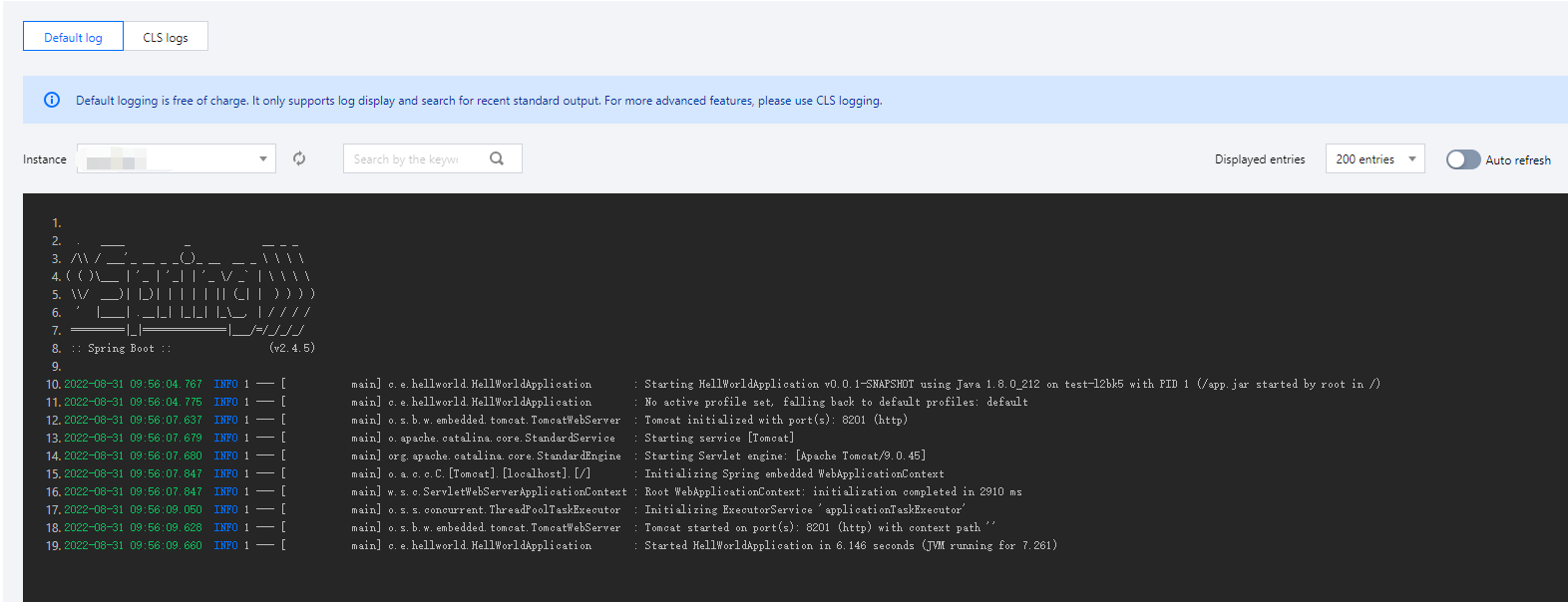
An application in the instance has a problem while running, and the container failed to start/run.
Solution
View the instance logs and troubleshoot the problem based on the log content.
Error
Status description
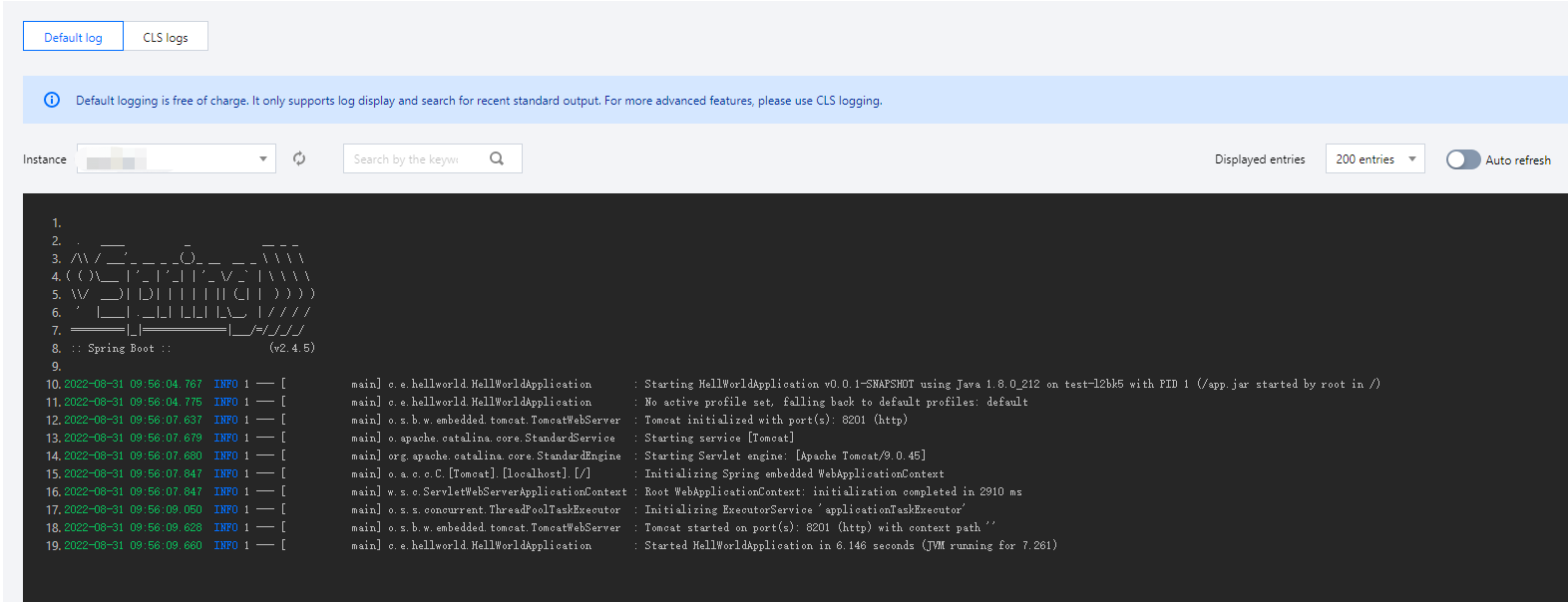
Similar to CrashLoopBackOff, an application in the instance has a problem while running, and the container failed to start/run.
Solution
View the instance logs and troubleshoot the problem based on the log content.
Running Unhealthy: Readiness probe failed
Status description
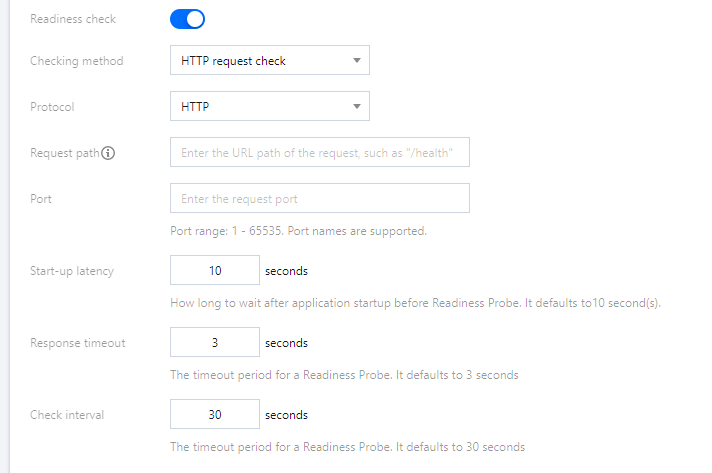
The readiness health check configured for the application failed.
Solution
Go to Application Deployment > Health check and check whether the Readiness Probe configuration item of the application is correct.
Running Unhealthy: Liveness probe failed
Status description
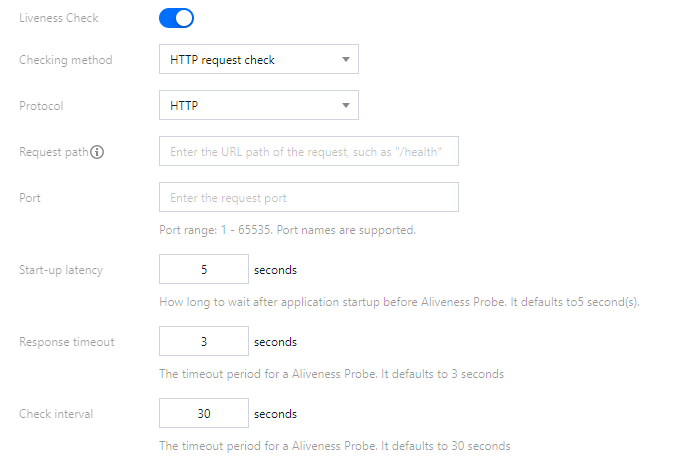
The aliveness health check configured for the application failed.
Solution
Go to Application Deployment > Health check and check whether the Aliveness Probe configuration of the application is correct.
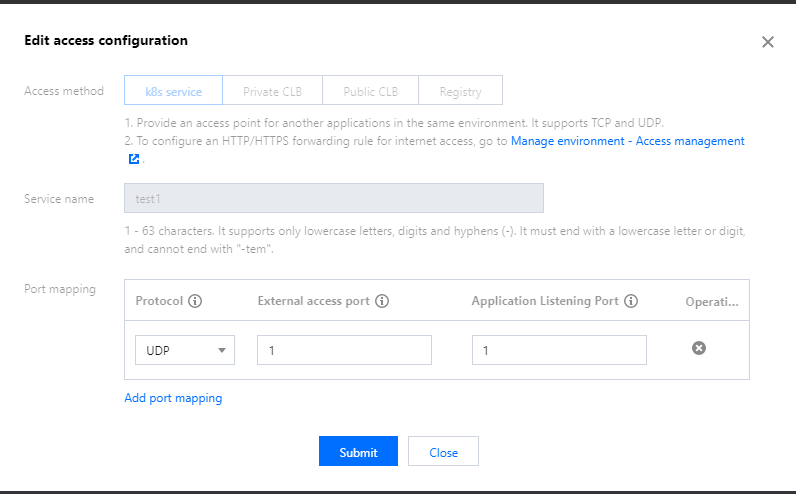
Running Unhealthy: Readiness check failed according to l4 listener: xxx of CLB xxx. Service: xxx
Status description
The access configuration of the application cannot take effect, and the application cannot be accessed.
Solution
Go to Application details > Basic information > Access configuration and check whether the port and protocol are correct.
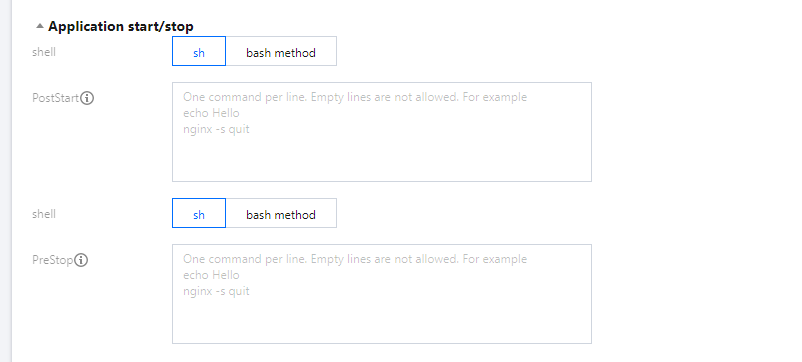
PostStartHookError
Status description
PostStart configured for the application failed.
Solution
Go to Application Deployment > Application start/stop management and check whether PostStart configured for the application can run normally.
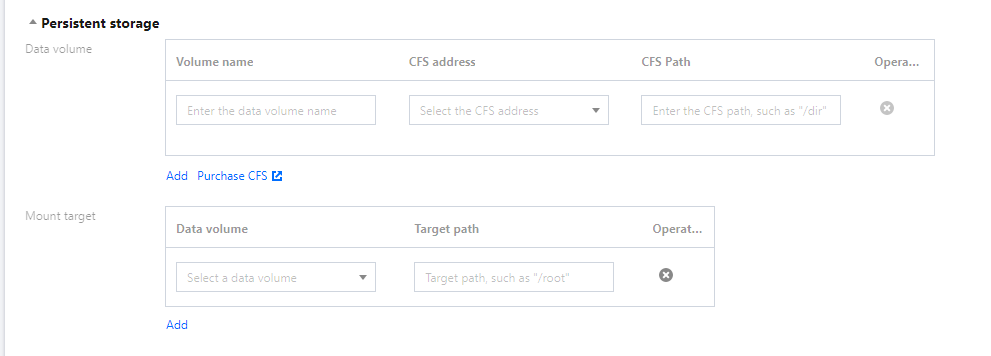
ContainerCreating
Status description
The instance container failed to be created.
Solution
Go to Application Deployment > Persistent storage and check whether the application is mounted with a nonexistent data volume.
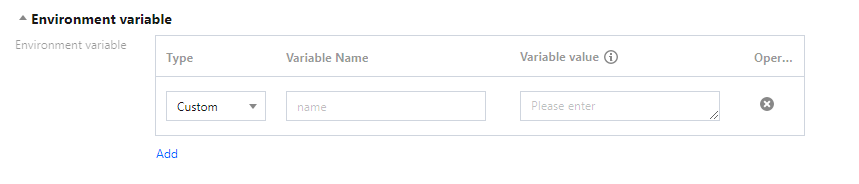
CreateContainerConfigError
Status description
The instance container failed to be configured.
Solution
Go to Application Deployment > Environment variable and check whether the application uses nonexistent configuration.
ImagePullBackOff
Status description
The instance image failed to be pulled.
Solution
Go to the TCR console and check whether the image used by the application exists or has been deleted by mistake.