Overview
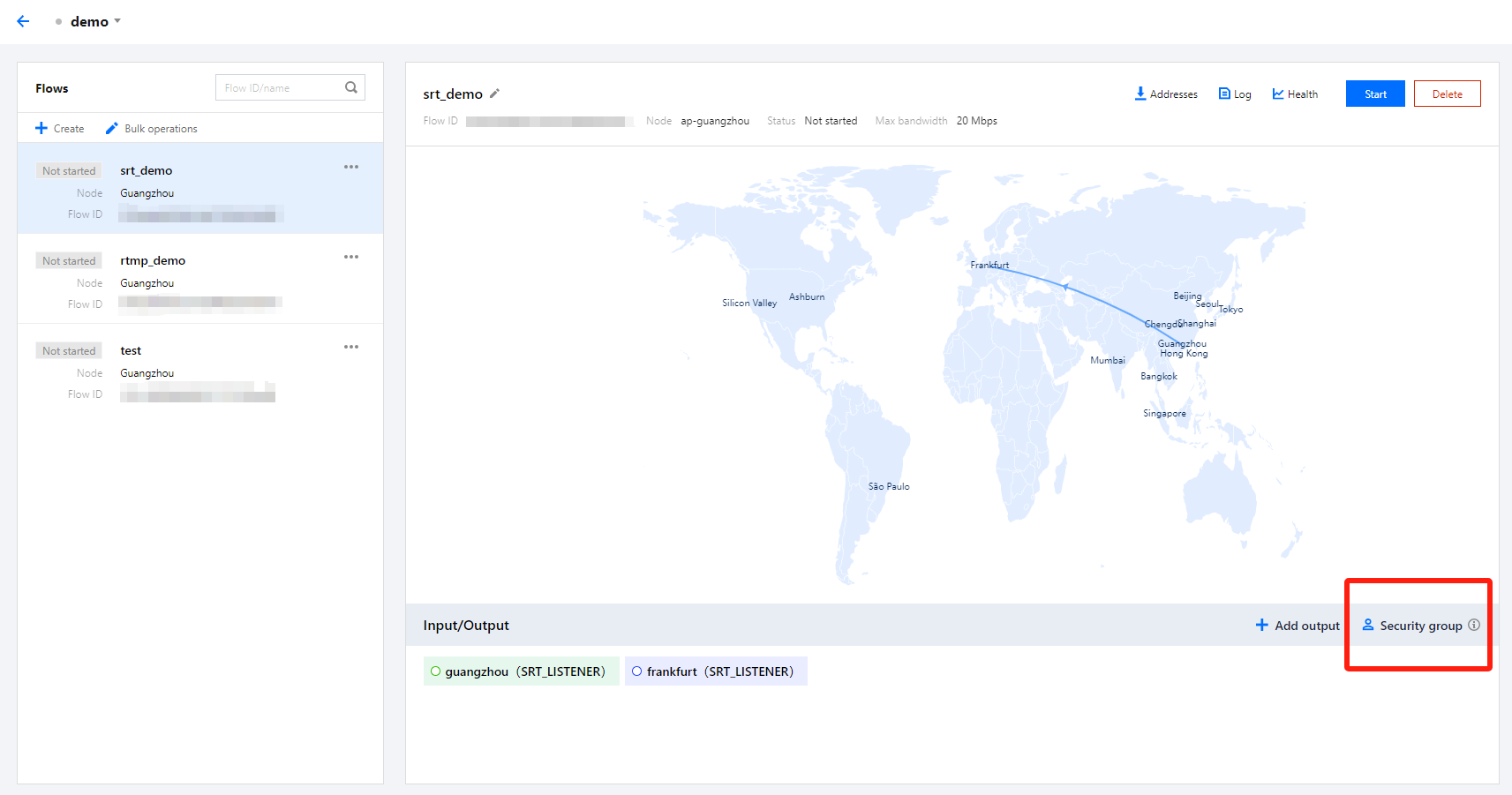
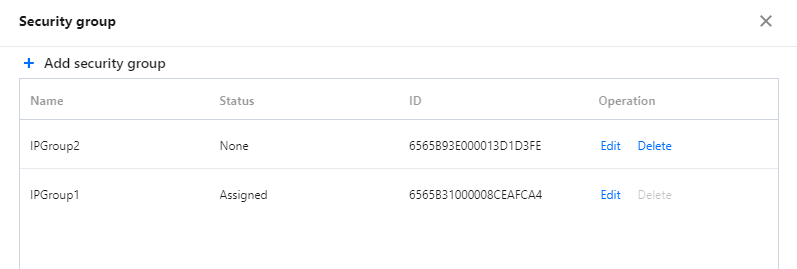
Upon completion of creating events and flows in StreamLink, when adding inputs and outputs, for input protocols such as SRT Listener, RTMP, and RTP, and output protocols like SRT Listener, RTMP_PULL, and RTSP_PULL, security group can be bound to input/output nodes to perform security verification on corresponding IP addresses. On the security group management page, accessible by clicking on Security group, users can add, edit, and delete security group. Add security group
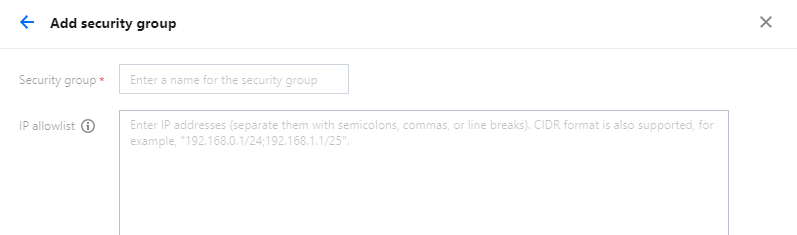
Click Add security group:
Security group: It can be custom-defined, with 1-32 characters, which can be a combination of digits, letters, or underscores "_".
IP allowlist: Enter IP addresses (separate them with semicolons, commas, or line breaks). CIDR format is also supported, for example, "192.168.0.1/24;192.168.1.1/25".
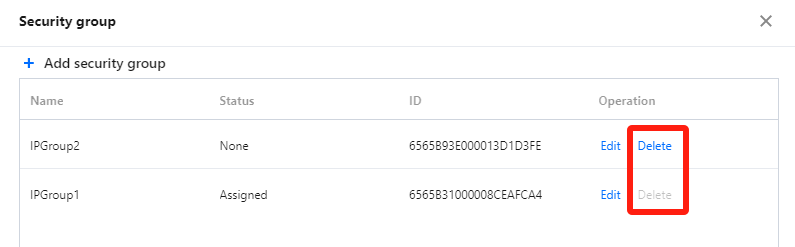
Delete security group
Security group with a status of None can be Delete. Security group that are Assigned cannot be Delete.
Binding a security group
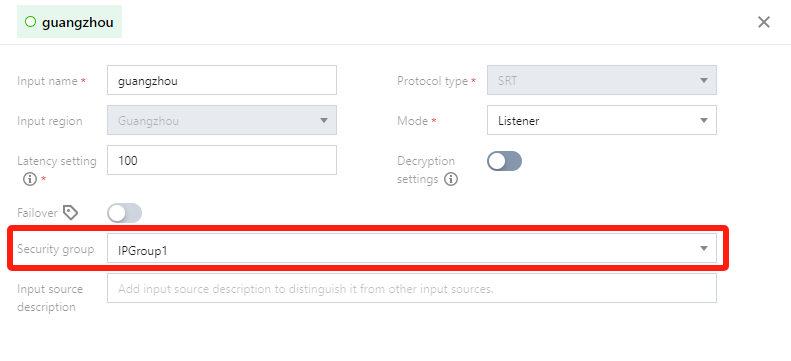
For the input protocols: SRT Listener, RTMP, RTP, and output protocols: SRT Listener, RTMP_PULL, RTSP_PULL, you can bind a Security group to the input/output nodes in the detailed information. For example: For SRT Listener input, if IPGroup1 is bound in the Security group, then only the IPs listed in this allowlist can push streams to this input node.